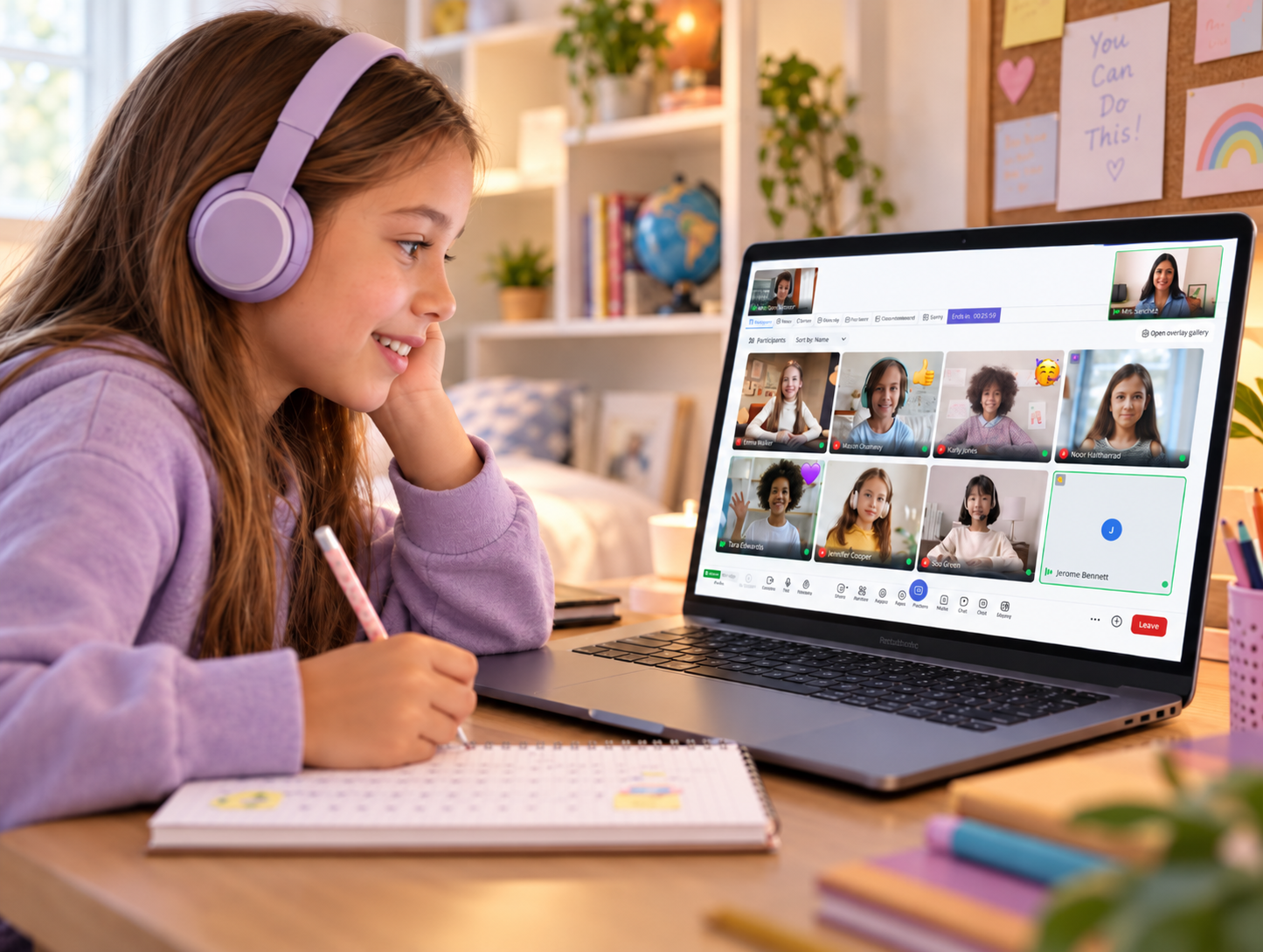
A virtual classroom platform built for active participation, collaboration, and measurable engagement

Go beyond login counts with small-group tables, interactive tools, and engagement analytics that help teachers understand learning and support students sooner.

Book a demo
K12 hero image 1

How does Engageli work for your K-12 program?

 Engageli brings the essential parts of a strong virtual classroom into one place. Students work in persistent tables inside the classroom. Teachers can see participation as it happens. Administrators can use engagement and attendance records to support learners, guide teachers, and build a clearer case for investment. 

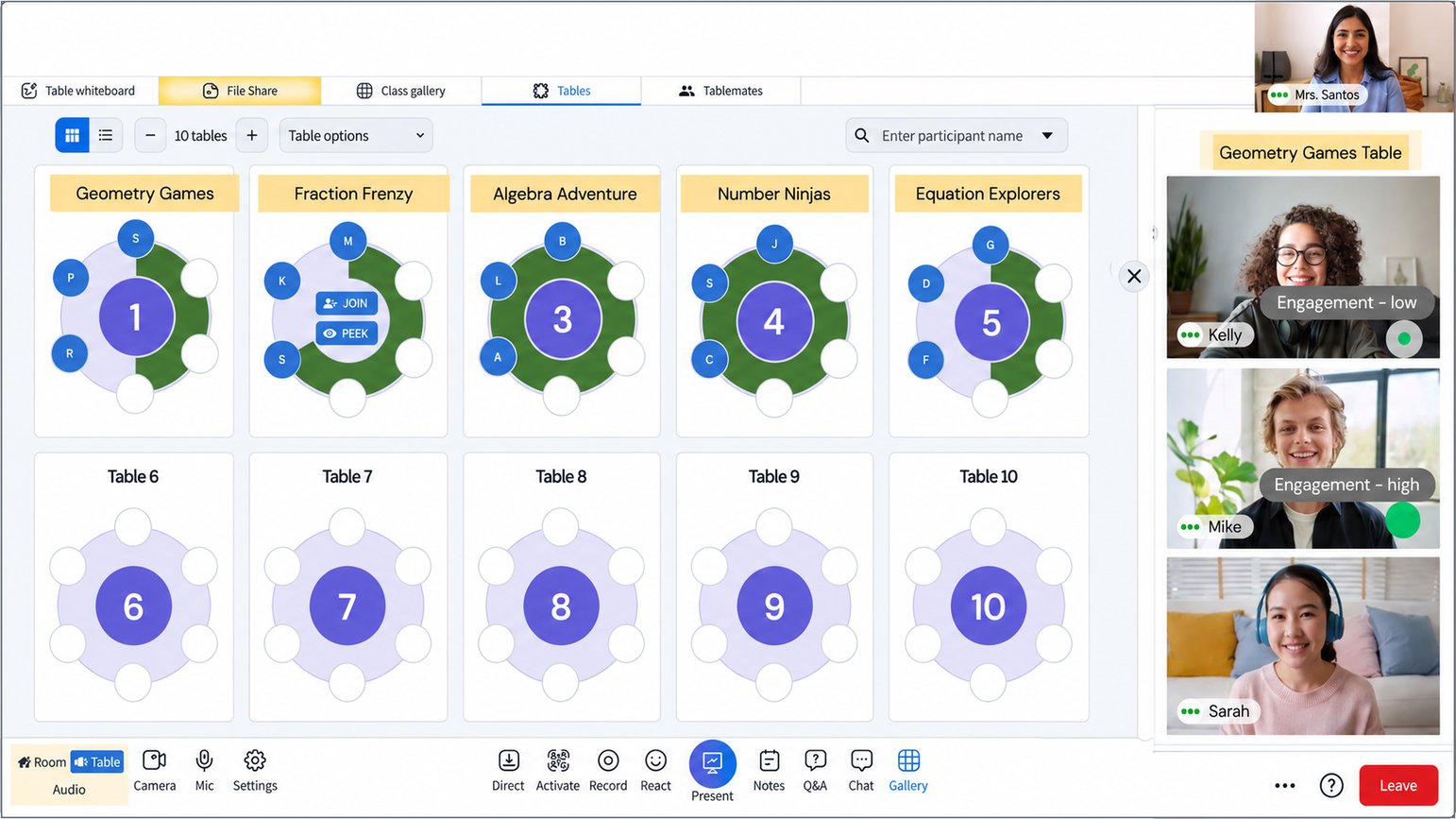
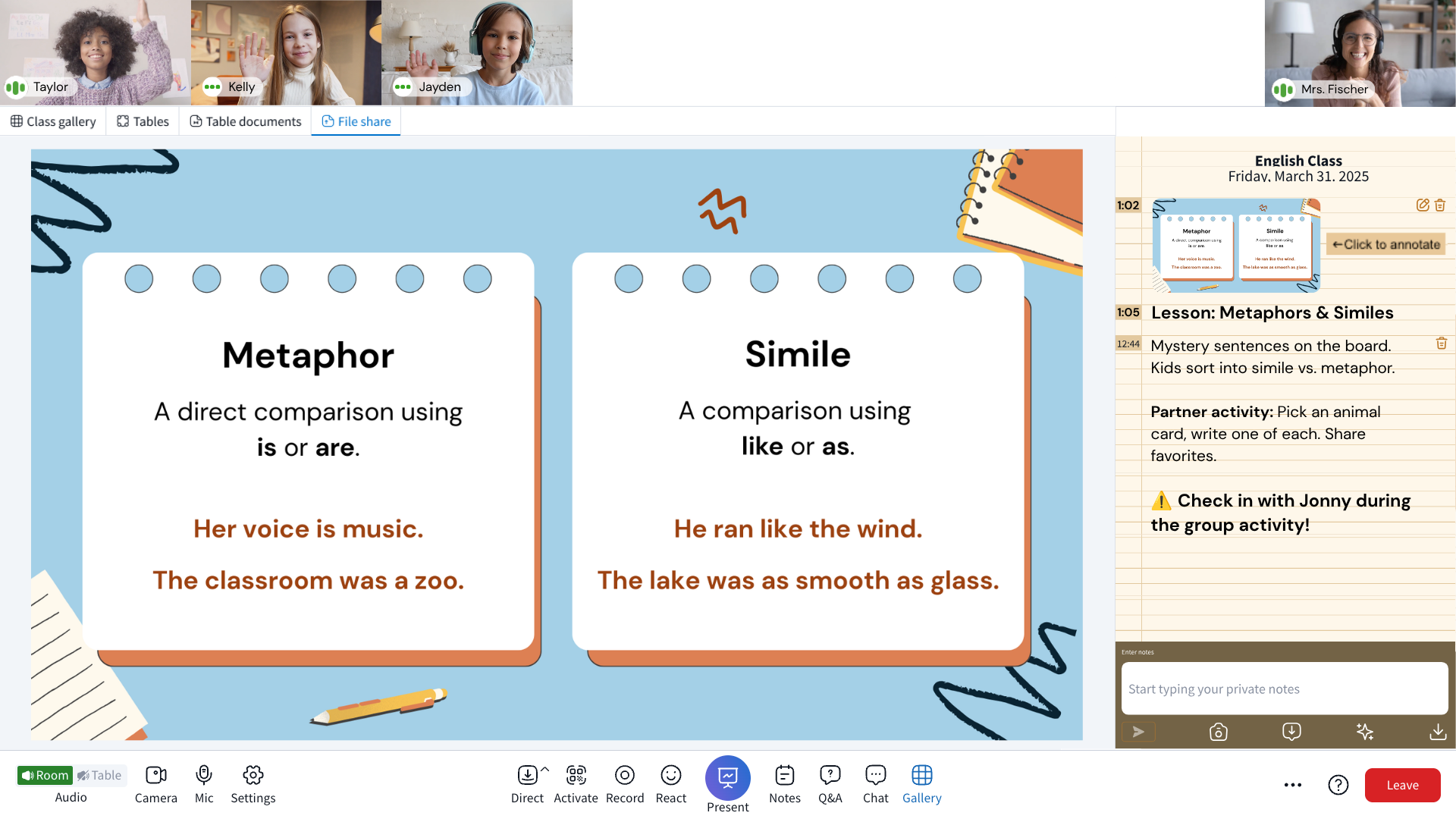
Persistent tables for small-group learning

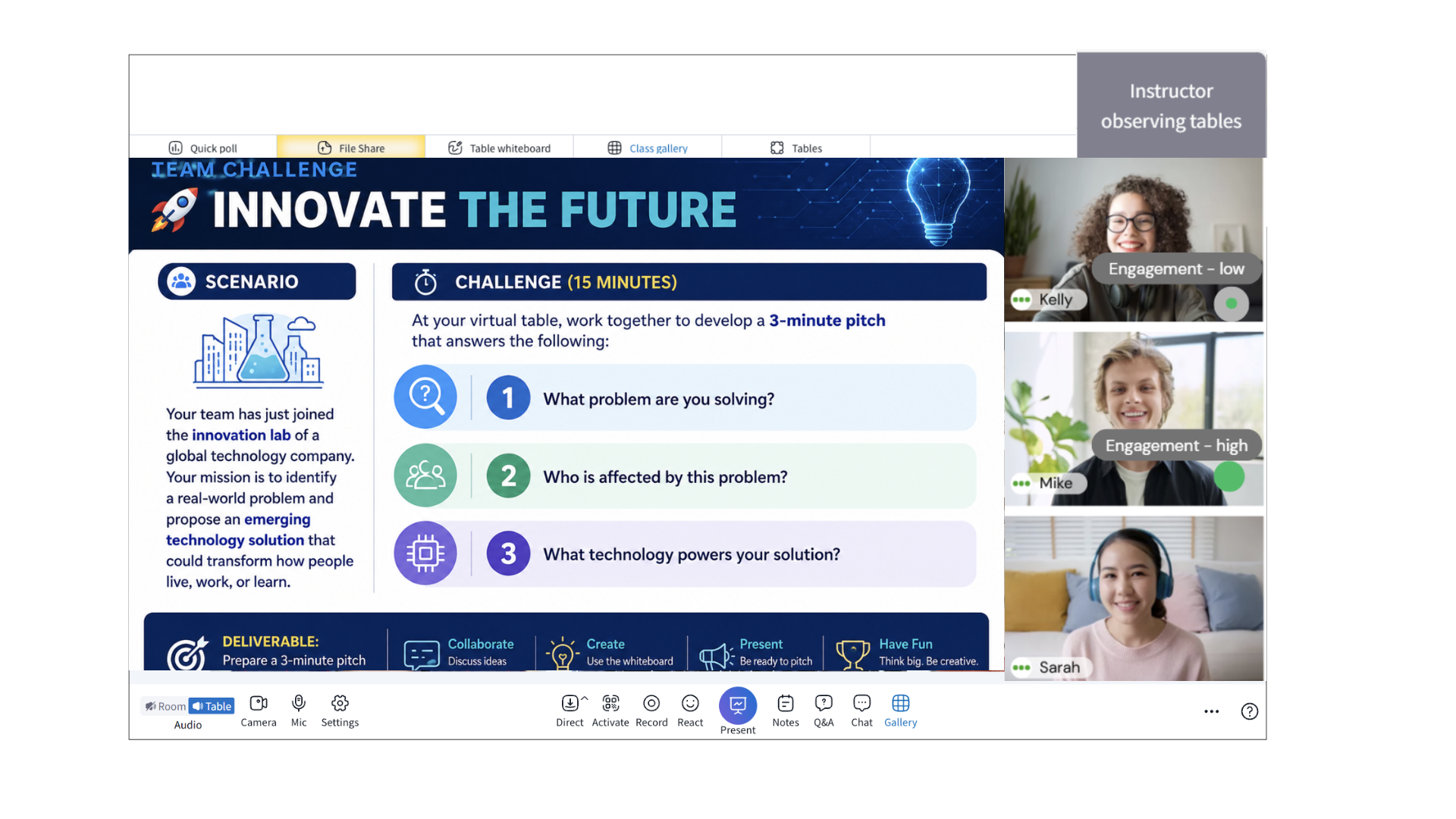
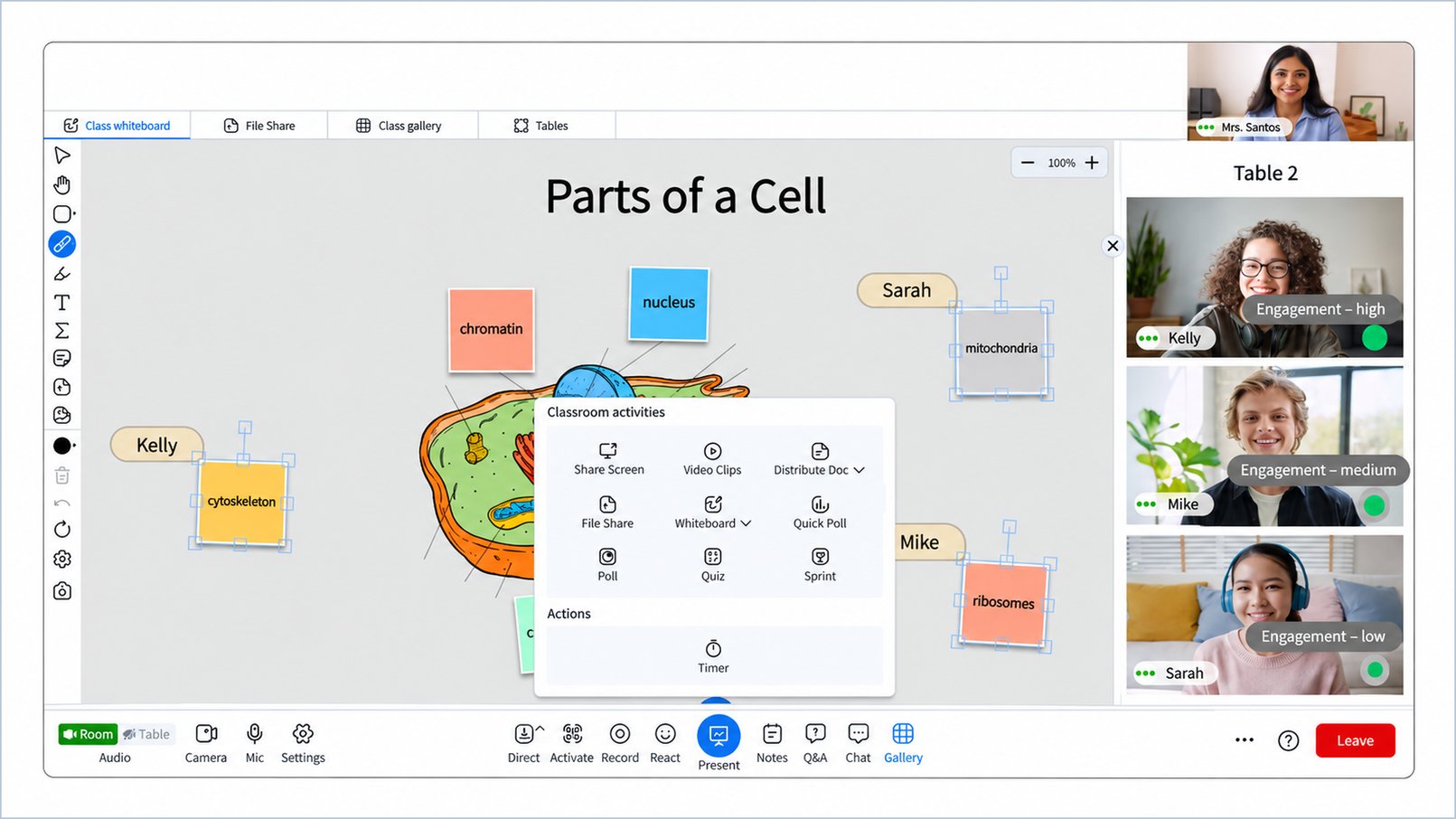
Keep small-group collaboration connected to the main classroom. Teachers can monitor, guide, or join any table instantly while students remain visible and supported.

image3_cropped
EngagementAnalytics_1920x1080

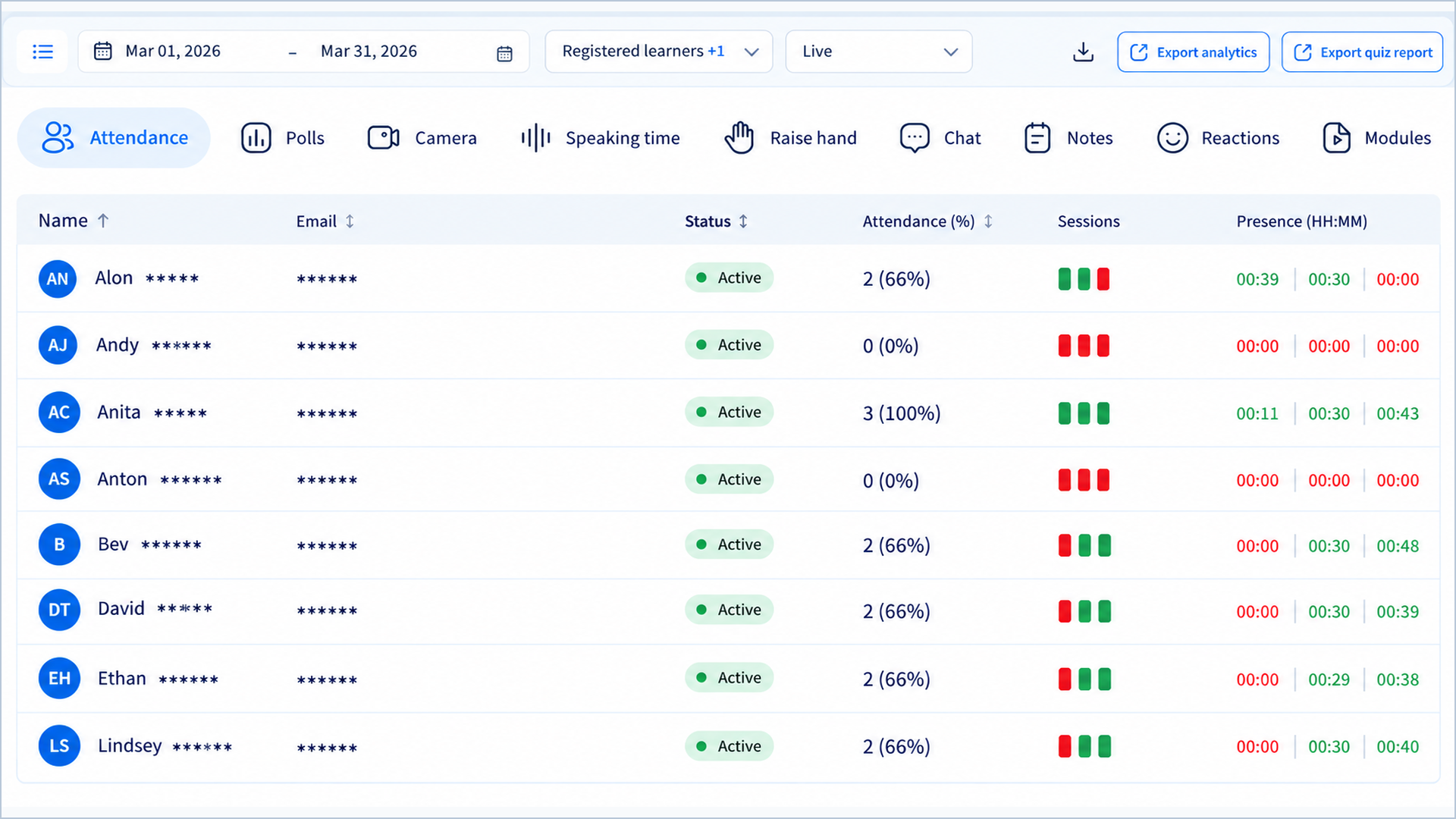
Real-time engagement analytics

See live signals such as participation, speak time, activity completion, and checks for understanding, so teachers can respond while there's still time to intervene.

Classroom management built for schools

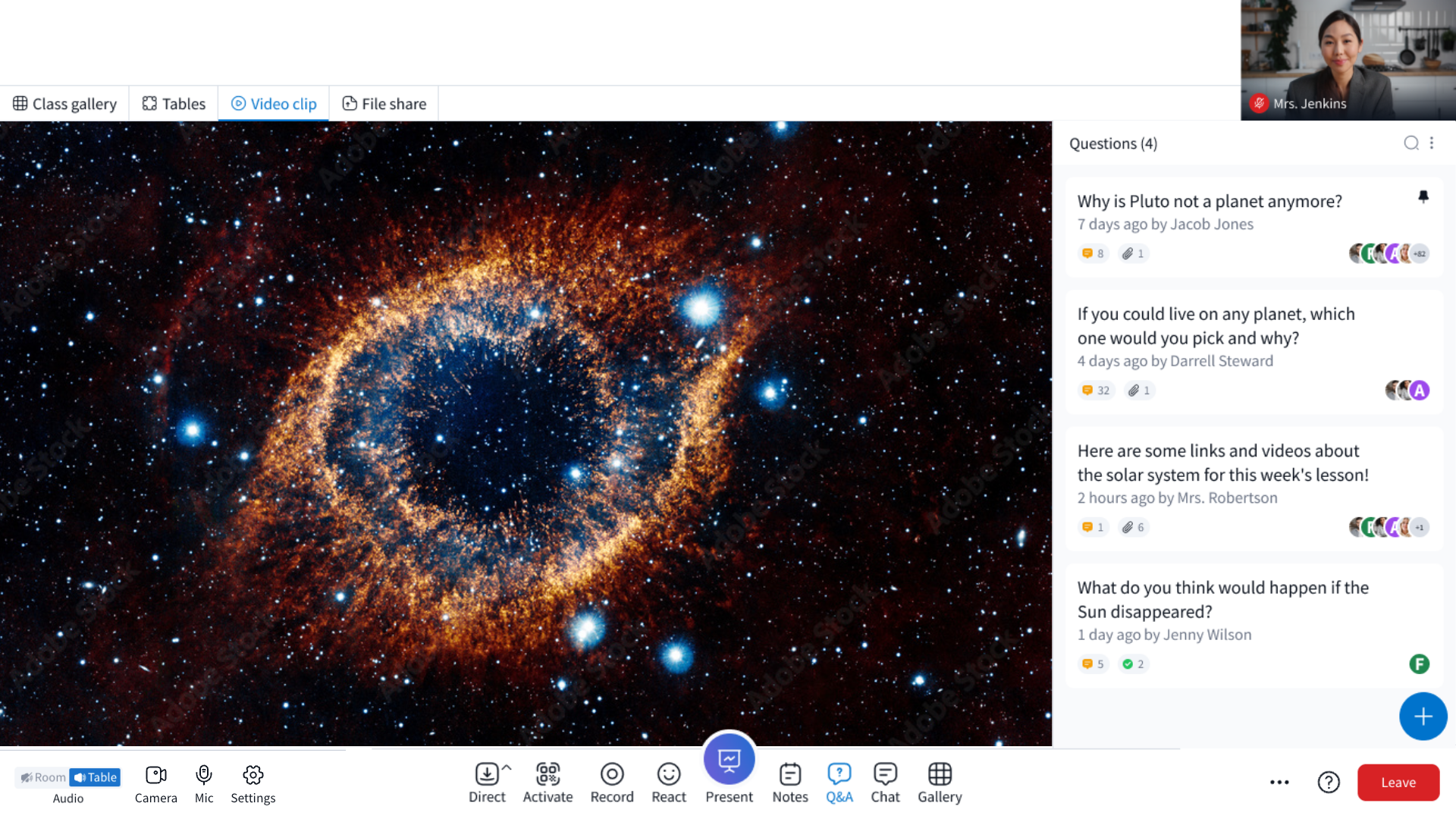
Use education-specific controls for microphones, cameras, chat, Q&A, screen sharing, participation, waiting rooms, and student access. Keep the classroom safe, focused, and ready for learning.

ClassroomManagement_1920x1080
Live and Recorded Classrooms

Live and asynchronous learning in one classroom

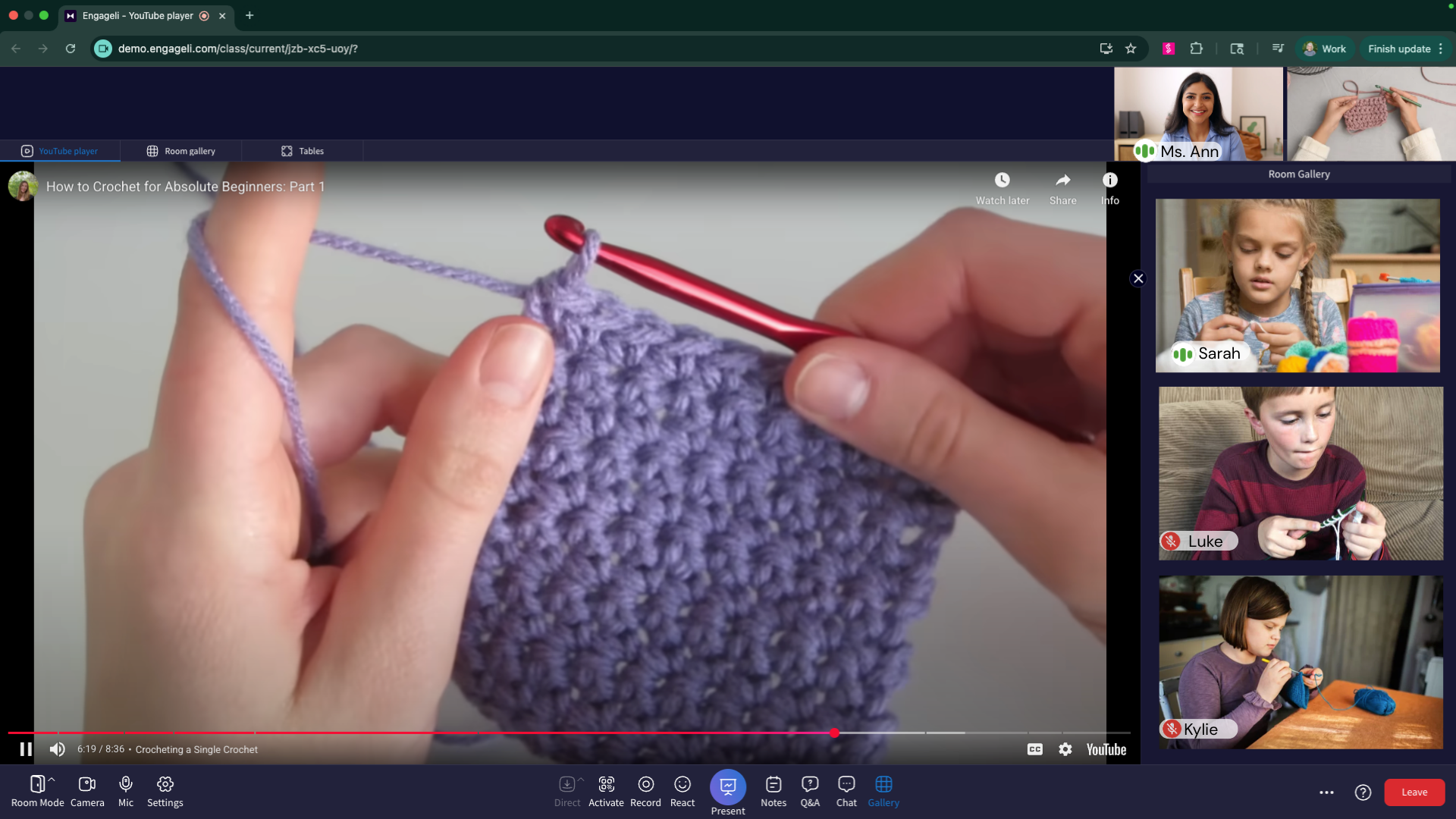
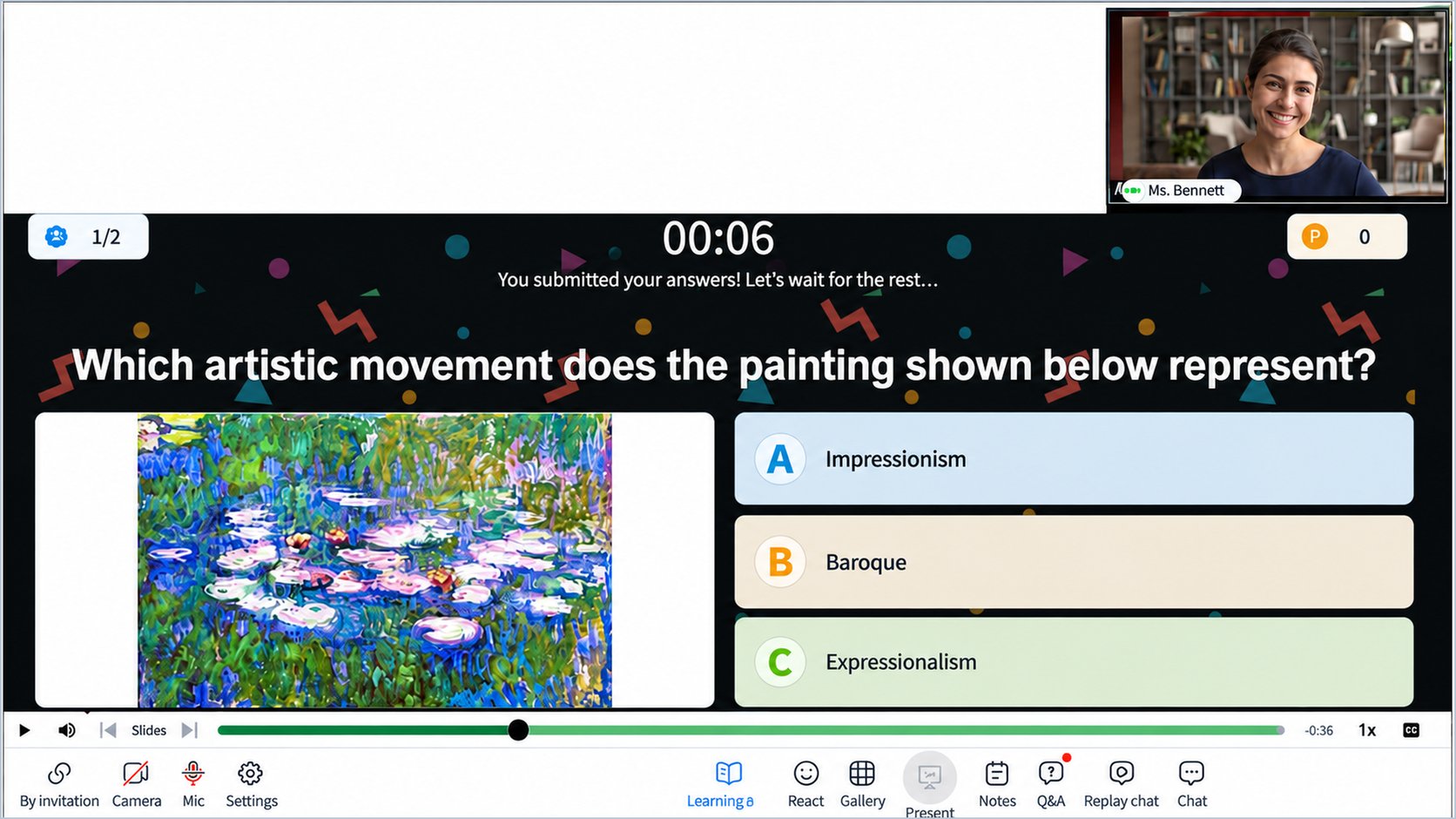
Use the same classroom link for live instruction and recorded playback. Students who miss class can revisit lessons, complete interactive activities, use whiteboards, take quizzes, and review AI-generated summaries.

Interactive tools built in

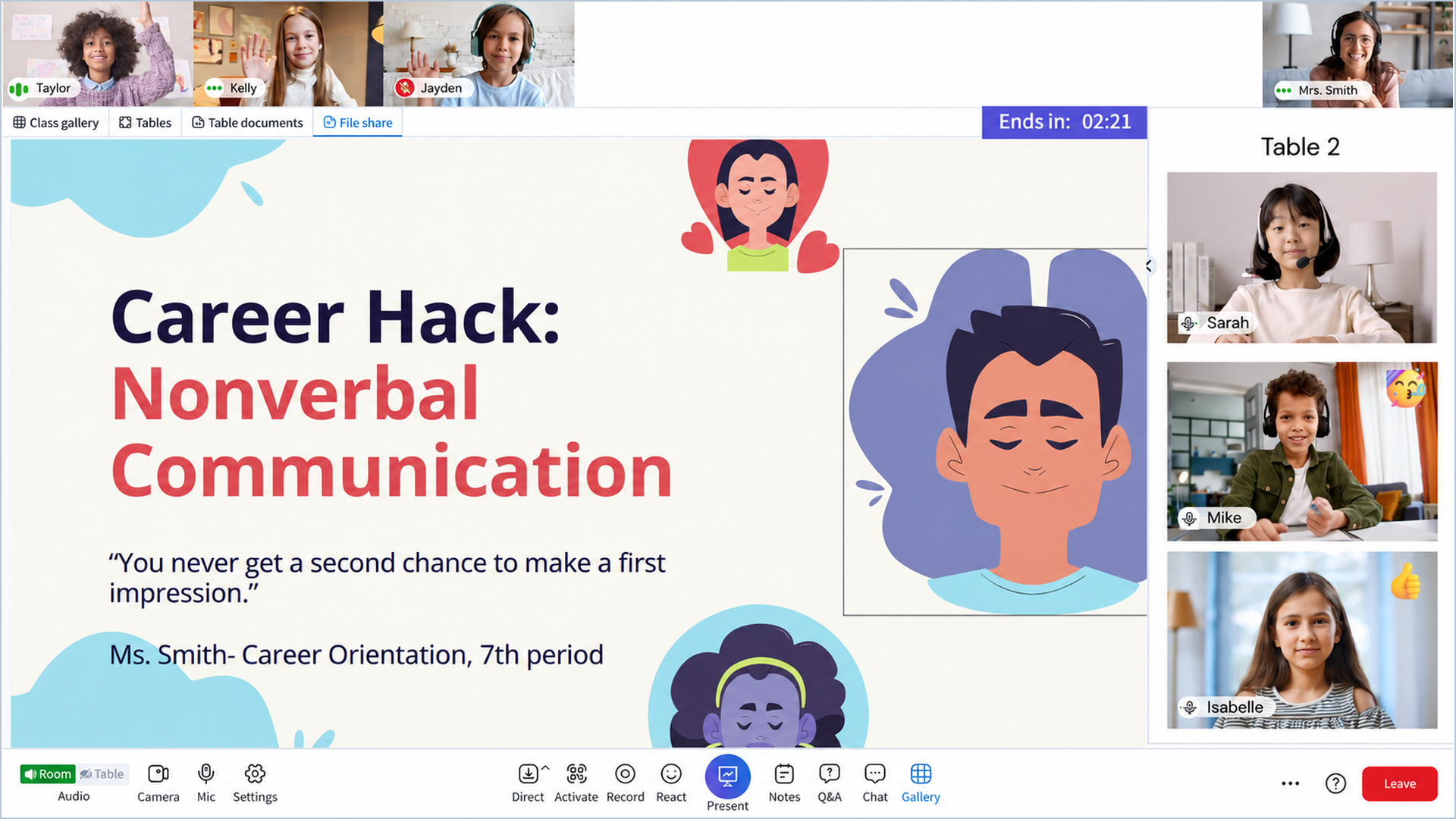
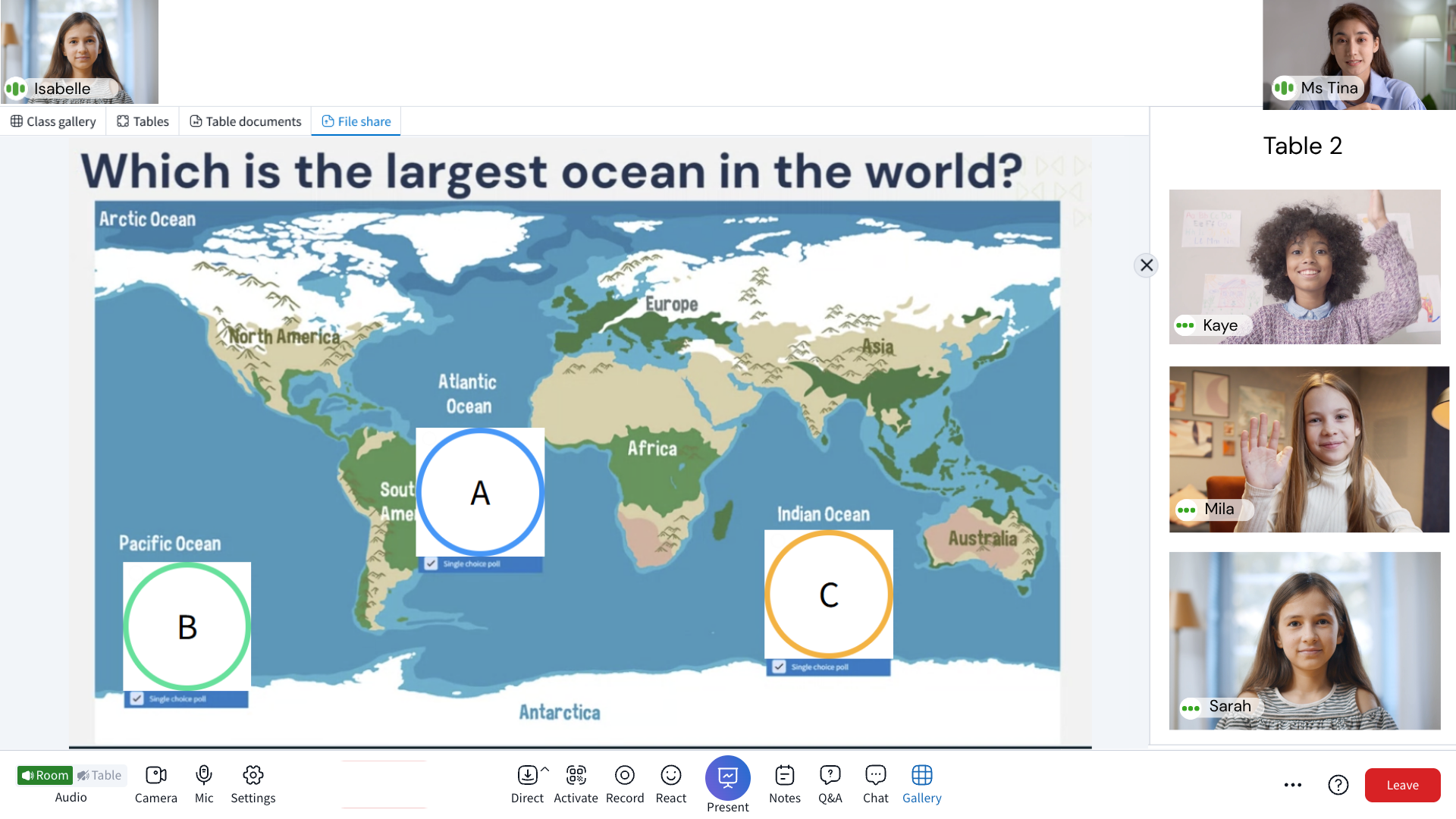
Polls, quizzes, collaborative documents, gamified sprints, and whiteboards live inside the same classroom, reducing the need for third-party tools.

image2_cropped

image_cropped

Integrations that fit existing infrastructure

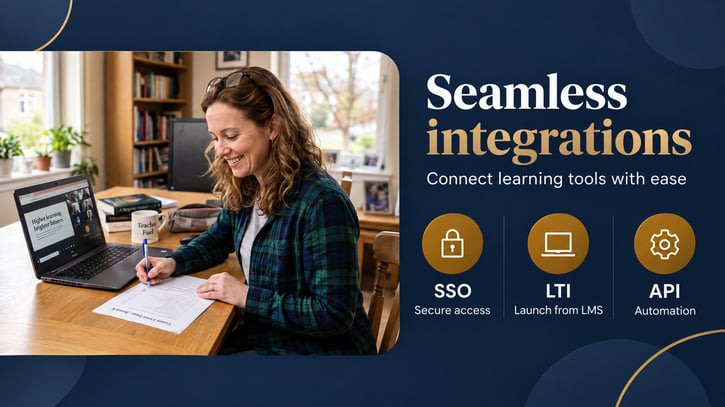
Connect with the systems districts already use through LTI, SSO, API integrations, Google Docs, and Microsoft 365 documents.

Powering every K-12 classroom moment


Engageli's AI-powered virtual classroom gives K-12 teachers the tools to manage focus, accessibility, tutoring, and compliance in one platform, without leaving the live classroom experience.

◐

Quiet Tables

Teachers create a quiet zone at any table to manage disruptions while staying engaged with the student directly. Give students with IEPs (Individualized Education Programs) the extra time and reduced distraction they need to complete assignments alongside their peers.
◉

Accessibility

Live captions, chat-based participation, large ASL interpreter video, and transcribed recordings help students with hearing impairments keep pace with instruction. Quiet tables and recorded classrooms support students with visual, cognitive, or mobility needs, letting them learn at their own pace from anywhere.

▥

Tutoring & Assessment

Whiteboards, annotation tools, and shared collaboration spaces make tutoring interactive, with measured speaking time keeping participation balanced. Quizzes and sprints give tutors real-time, measurable insight into student understanding before the high stakes assessment.

△

STEM Projects

Table sharing and interactive whiteboards let student teams brainstorm, test ideas, and visualize data together on engineering and science challenges. Seating charts and real-time group monitoring keep project teams together and on track.

◫

School Assemblies

Multiple sections join a single Engageli classroom for assembly, building school-wide community. Classroom management tools and the podium feature keep assemblies organized, with dedicated space for student recognition and staff announcements.

✓

Funding Compliance

Real-time attendance tracking across live and recorded classrooms creates auditable records to support ADA/FTE-based funding compliance. Camera-on time during live sessions adds a measurable signal of engagement and student safety.

↻

Pop Quizzes

Classroom AI generates instant, context-aware pop quizzes from the live discussion and materials, turning a quick check-in into a low-stakes engagement tool.

▦

Station Rotation

Teachers rename tables into learning stations by activity or challenge level, letting students rotate between collaborative and independent work in a single class period.

Trusted for connected K-12 learning

Hours of active learning delivered each week
2.5M+
Students and teachers who use Engageli
2M+

 K-12 classroom hours powered by Engageli 

250M+

Engageli vs meeting tools for K-12 online classrooms

The difference is a classroom designed around learning, not a meeting room with education layered on top.

What K-12 needs
Engageli
Meeting tools

Classroom

Engageli

Mirrors a physical classroom with podium and tables

Meeting tools

Passive grid of videos

Student safety controls

Engageli
Full suite: mic, camera, chat, reactions, raise hands, disciplinary controls
Meeting tools
Basic mute only

Secure access

Engageli
Authenticated access based on roster
Meeting tools

No roster, open access

Automated attendance

Engageli
Data for reports for live and asynchronous learning
Meeting tools
Manual or absen

Small-group tables

Engageli
Native, always available
Meeting tools
Breakout rooms (clunky)

Engagement tools (no add-ons)

Engageli
Polls, quizzes, whiteboards, gamified sprints
Meeting tools
Requires Kahoot, Miro, Quizzly, etc.

Teacher engagement visibility

Engageli
Real-time indicators per student
Meeting tools
None

Interactive asynchronous

Engageli
Recorded classrooms with interactive activities
Meeting tools
Flat recording only

LMS integration

Engageli
LTI 1.3 advantage
Meeting tools
Varies

How do teachers use Engageli at every grade level?

Engageli adapts to the needs of learners from early elementary through high school while keeping the district on one connected platform.

Early Elementary-1

Early elementary

Use visual polls, interactive whiteboards, embedded video, and talk-management controls to help younger learners follow along and take their speaking turn.

Upper Elementary

Upper elementary

Use tables for guided exploration and team challenges. Check foundational knowledge with polls and game-based quizzes while learning is still happening.

Middle School

Middle school

Use collaborative documents, video clips, polls, and friendly team competition to build participation and reinforce accountability.

High School

High school

Use tables to build leadership and presentation skills. Extend learning through playback rooms, panel discussions, group projects, and social-emotional learning activities.

Extracurricular Clubs

Extracurricular clubs

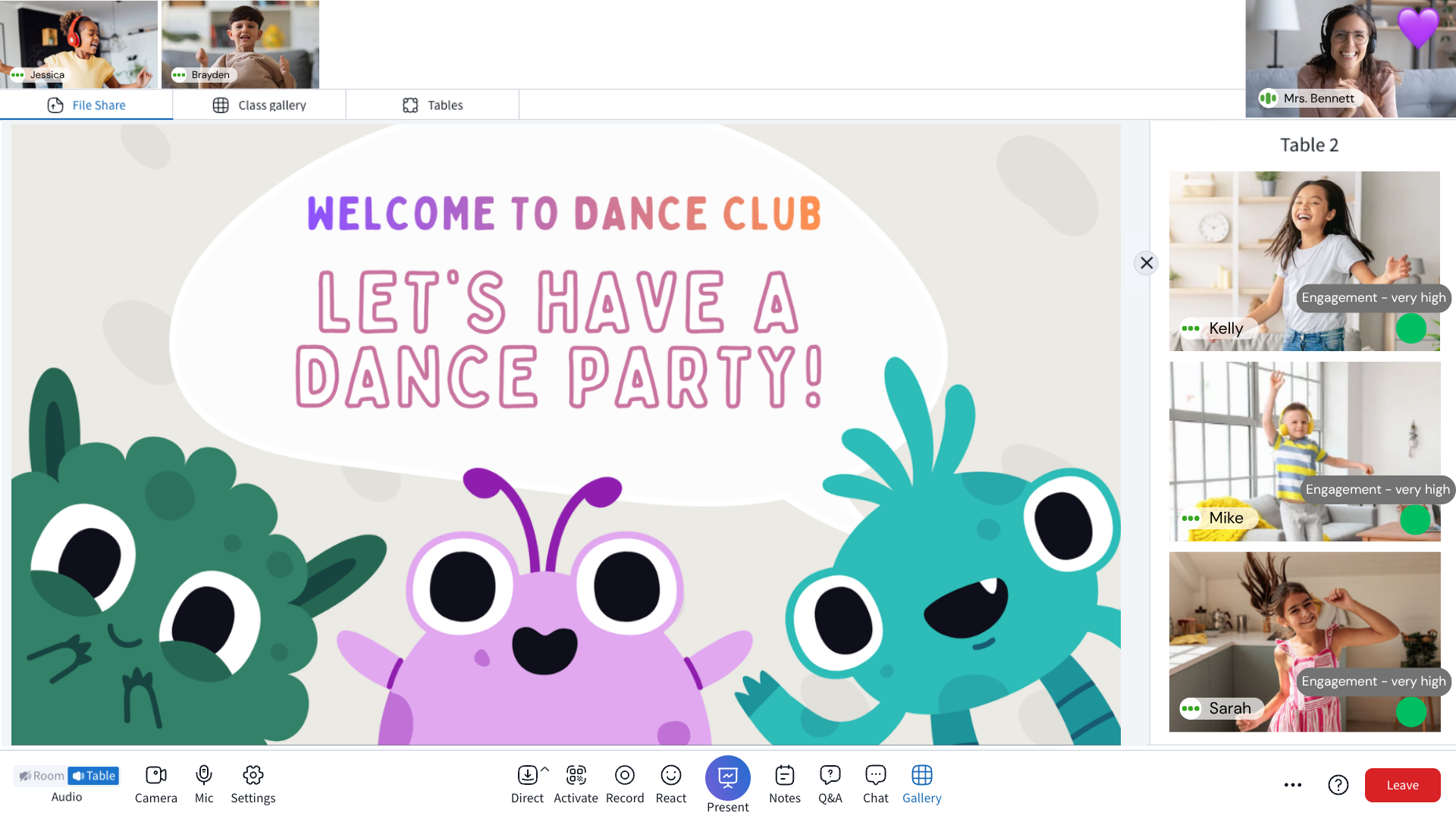
Play game challenges and collaborate at virtual tables. Brainstorm on whiteboards and use the podium for class discussion.

Social Clubs

Build connections through school clubs

Engageli lets schools run virtual clubs and extracurriculars in the same safe, interactive environment used for live classes. Students collaborate at virtual tables, play game challenges, share ideas on whiteboards, and connect across grades without needing extra apps or tools.

Our K-12 partners host 5,000+ virtual club sessions a year using Engageli, creating stronger community and engagement across schools.

Trusted by K-12 educators

“

Our K-12 teachers and learners are thrilled with Engageli. Teachers use it to foster virtual collaboration...


Product Manager
Stride

“

With the asynchronous learning experience, I believe it is important to be inclusive and acknowledge those watching the PLAYBACK. Talk to them as if they are with you in real time. Break the 4th wall, so to speak: Throughout the 90 minute LIVE class I am continually talking to those in the PLAYBACK. I especially like this with table break-outs.
 
 
Bert Lindstrom, Ed.D. | Senior Professor, Teaching and Learning 

“

I give instructions on what is to be done, making sure to remind PLAYBACK students to listen up. I then tell them that they should pause the recording and perform the exercise as if they are LIVE. I tell them when they have completed this to restart the recording. I pause the recording for the break-outs and then when we rejoin and I restart I welcome everyone back, LIVE and PLAYBACK.
 
Bert Lindstrom, Ed.D. | Senior Professor, Teaching and Learning
Salem Keizer

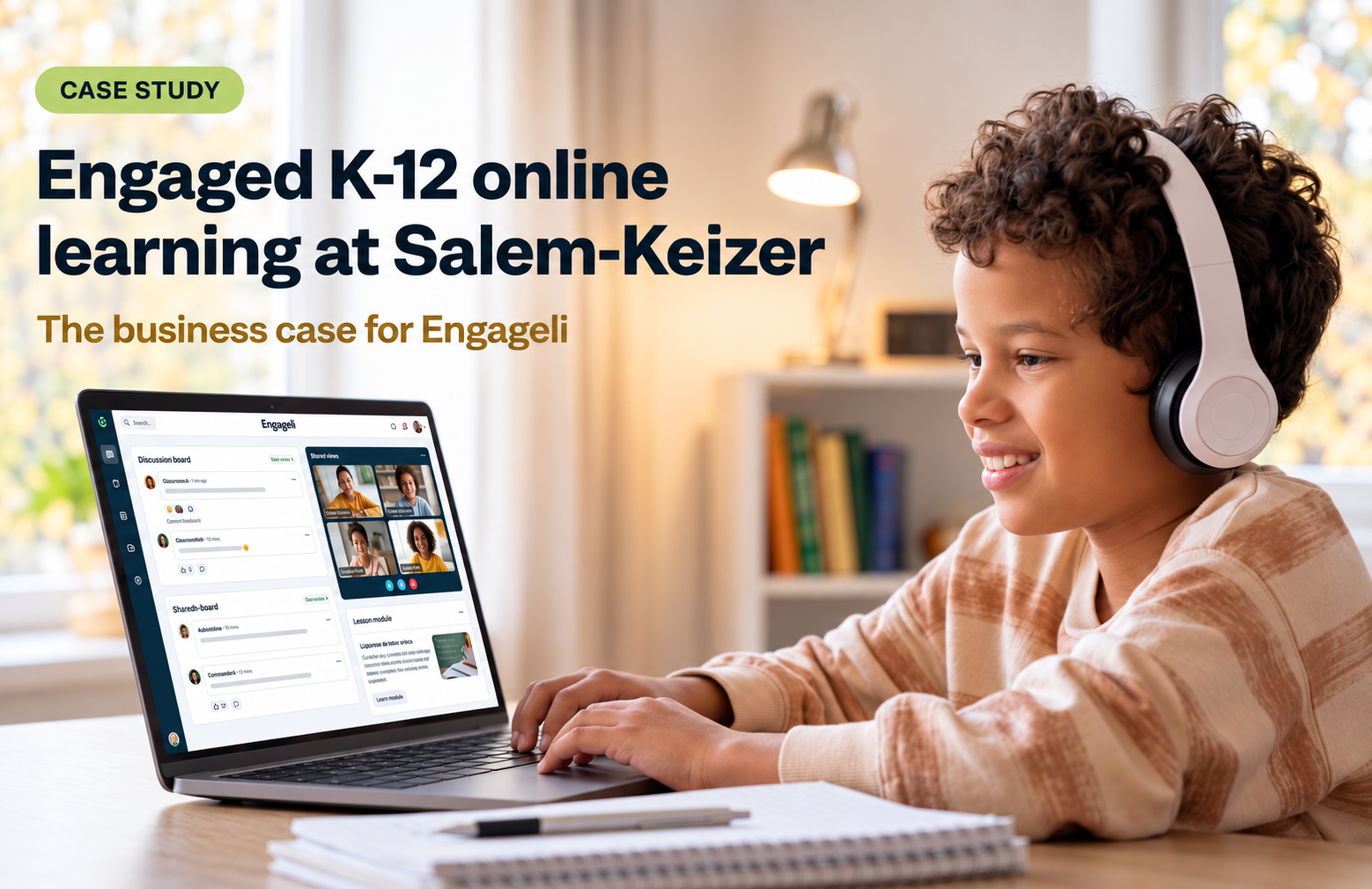
Salem-Keizer moved from a meeting tool to a synchronous online school model

Salem-Keizer Public Schools serves more than 40,000 students, including a growing population choosing fully online learning. The district needed a stronger way to support engagement, classroom management, attendance tracking, and the evidence required to guide investment.

A separate fully online virtual academy serving 2,600 students, supported by 155 teachers and 22 staff members, launched on Engageli in less than a week.

“One of our fifth-grade teachers was in Engageli with her students. They weren’t doing their work, so she said, ‘If you can’t handle this privilege of collaboration in Engageli, I guess we’re going to have to go back to video conferencing!’ And the kids were not thrilled about that — they said, ‘No, please don’t make us go back!’” Christine Bowlby, Principal
Read the Salem-Keizer study
SMARTER CLASSROOM MANAGEMENT

Built for the 21st century
classroom

Mic
controls

Block or mute all or individual learners

Camera
controls

Show camera to teacher only

Chat
controls

Turn off room chat, no learner 1:1 chat

Reaction
controls

Turn off reactions

Q&A controls

Turn off Q&A

Waiting
room

Admit all or learners in the class

Screen
shares

Approve class and table screen shares

Class
removal

Remove disruptive learners from class

Participation
controls

Limit engagement for individual learners

Table seating
locks

Prevent learners from moving tables

Raise hand
controls

Restrict learners from the podium

Backgrounds

Restrict custom background use

Bring better online learning
into focus

classroom-management-brochure-blue-1200x1200
Classroom management guide

Practical strategies for taking control of the online K-12 classroom without losing connection.

Download the guide
co-teaching-brochure-blue-hyphen-1200x1200
Co-teaching guide

Strategies for effective online co-teaching and shared instructional support.

Download the guide
23-whiteboard-games-student-alternative-1200x1200
Whiteboard games guide

23 interactive whiteboard learning games for K-12 teachers.

Download the guide
student-management-brochure-blue-minimal-1200x1200
Student engagement playbook

Techniques for keeping students active participants in live online lessons.

Download the guide

Frequently asked questions

How is Engageli different from a meeting tool?

Engageli mirrors a physical classroom with tables and a teacher desk. Students work in persistent tables, teachers can see and guide participation as it happens, and districts can turn classroom data into clearer attendance and engagement records. 

Can students learn asynchronously?

Yes. Playback rooms allow students who miss a live class to revisit instruction and continue participating through quizzes, whiteboards, and other interactive activities. 

How does Engageli support classroom safety?

Teachers have controls for access, microphones, cameras, chat, Q&A, screen sharing, table seating, individual participation, and class removal. These controls help educators keep learning environments safe and focused. In addition, all access to the classroom is authenticated through the LMS. 

Does Engageli work with a district’s existing systems?

Engageli supports LTI, SSO, APIs, Google Docs, and Microsoft 365 documents so districts can connect the classroom experience to existing infrastructure. 

What does implementation look like?

Implementation includes onboarding, pedagogical best-practice playbooks, technical support, and services designed to help staff move into the classroom with confidence. 

K-12 resource

K-12 District Schools Brochure

Start your Engageli journey today


Take the first step to transforming your institution with engaged learning.