

When selecting a virtual learning platform, it is imperative for educators and trainers to evaluate options to find the best fit for their specific teaching needs. Some platforms were designed for meetings and later marketed to educators. Others were built from the ground up for teaching, training, and active learning. The distinction shows up in the outcomes: Engageli’s Active Learning Impact Study found a 12x gap in active participation between purpose-built platforms and standard video conferencing tools used for training.1
This guide compares 12 virtual classroom platforms across the features that are intended to predict learning outcomes. We also break down the best options by use case so you can skip straight to the platforms that fit your program.
Jump to what matters most:
- Key Takeaways
- What to Consider When Evaluating
- What Features Matter for Virtual Classrooms
- 12 Best Virtual Classroom Platforms in 2026
- Side-by-Side Comparison Table
- Best for K-12
- Best for Higher Education
- Best for Corporate L&D
- Best Free Options
- Best for Tutoring & Small Business
- Remote and Hybrid Teaching
- Best Online Teaching Software
- Best Platforms for Live Virtual Classes
- Virtual Classroom Event Management
- How to Improve Student Engagement
- Virtual Classroom Best Practices
- Common Challenges and Solutions
- How to Choose
Key Takeaways
- Purpose-built vs. adapted matters. Video conferencing tools (Zoom, Teams, Google Meet) are built for meetings. Virtual classroom platforms (Engageli, BigBlueButton, Vedamo) are built for learning. The difference shows up in outcomes: a 12x gap in active participation between the two categories.
- The features that predict outcomes are persistent small groups, real-time engagement analytics, native assessment, AI-powered content creation and reinforcement, LMS integration, and interactive asynchronous playback. Most video conferencing tools have none of these.
- No single platform is best for everyone. Engageli leads for active learning and measurable analytics at scale across higher ed, K-12, and corporate L&D. Google Classroom is the a common free option for K-12. BigBlueButton is the best open-source option for higher ed. Adobe Connect leads for corporate compliance and customization. Class (formerly Blackboard Collaborate) fits institutions already in the the Anthology/Blackboard ecosystem. Livestorm is the strongest option for webinar and event-style virtual delivery.
- Active learning design matters more than modality. The Freeman et al. meta-analysis of 225 studies found that active learning reduces failure rates by more than a third. Engageli’s research shows 54% higher test scores in active virtual environments. The platform you choose determines whether active learning is easy or requires constant workarounds.
- Blended is the strongest model. The best programs combine synchronous sessions (for interaction and community) with asynchronous components (for flexibility and reinforcement). Choose a platform that supports both natively.
What to consider when evaluating virtual learning platforms
Virtual learning platforms vary widely in how they approach both teaching and engagement. When comparing your current platform with other options, it helps to look beyond individual features and consider the broader design philosophy and teaching and learning impact.
Here are key considerations to guide your evaluation:
1. Platform approach and design
- Add-on vs. purpose-built: Consider whether the platform layers educational features onto existing meeting tools, or whether it is designed specifically for teaching. Purpose-built platforms often support more intuitive and seamless instructional workflows.
- Content sharing: Evaluate how the platform handles documents, videos, presentations, and screen sharing - especially across varied internet connections.
- Asynchronous learning support: Look at how recordings, playback features, and engagement tools extend learning beyond the live session.
2. Teaching and engagement tools
- Integrated engagement: Consider whether tools like polls, whiteboards, collaborative documents, and chat are embedded or require third-party applications.
- Small-group collaboration: Consider the method the platform uses for different methods for peer interaction, such as breakout rooms or persistent virtual tables. The right model depends on your teaching style and goals.
- Instructor oversight: Review how easily instructors can observe or monitor student activity during class, including group work.
3. Data and analytics
- Participation insights: Look for platforms that provide real-time data on attendance, participation, and engagement at both the class and individual level.
- Decision support: Review how analytics tie engagement to outcomes like retention, completion, or proficiency, helping institutions make more data-informed decisions.
4. Implementation and change management
- System integration: Consider how well the platform connects with your LMS, authentication systems, and existing tools.
- Training and onboarding: Determine the time and resources for changing platforms. Consider the learning curve and available support for instructors and students.
- Ongoing support: Determine whether you can access reliable technical and pedagogical support - before, during, and after implementation.
Whether you’re choosing a new platform or reassessing your current platform, these considerations provide a practical framework for evaluating how well a platform aligns with your goals, workflows, and learner needs.
What Features Should a Virtual Classroom Platform Have?
Most platform comparisons list the same features: video, screen sharing, chat, breakout rooms, recording. Those describe a meeting tool, not a learning environment. The features that actually predict whether your program produces outcomes or just attendance records are the ones built for teaching and learning. Here is the short list that separates a virtual classroom from a video call with an education label.
Persistent small groups. Learners who stay with the same small group across activities and sessions build the trust that makes them participate. Temporary breakout rooms reset that trust every time. Look for a platform with persistent group structures, like Engageli’s tables, rather than breakout rooms the instructor has to rebuild each session. Participation tells the story: purpose-built table architecture reaches a 62.7% active participation rate, compared with roughly 5% on standard video conferencing tools.1
Real-time engagement analytics. On a grid of video tiles, the instructor cannot see who is engaged and who is disengaged. A live analytics dashboard shows participation, talk time, poll responses, and activity completion at the individual and group level during the session, so the instructor can intervene while it still matters instead of reading a report afterward when it’s too late.
Native assessment. Polling is standard. What is not standard is assessment woven into the flow of a live session: polls, quizzes, and reflection prompts that produce data the facilitator can act on immediately and the program can track over time. Continuous in-session assessment also drives retention through the testing effect, rather than treating evaluation as something that happens after the learning is over.
AI in the learning loop. Every platform now lists AI somewhere. The question is where it sits. AI that writes a session summary or auto-tags a recording saves administrative time but does not change outcomes. AI that generates active-learning activities from your existing materials, delivers personalized reinforcement between sessions, and helps facilitators spot learners who need support is the kind that moves results. Prioritize AI that touches the learning, not just the repetitive paperwork.
Real LMS integration. A virtual classroom should connect to your LMS through LTI with automatic roster synchronization, grade passback, and recording delivery, so launching a session and reporting results does not become manual work. Integration that only embeds a meeting link is not the same as integration that moves data both directions.
Facilitation-aware scalability and interactive playback. Scaling audience size is easy; scaling interaction is the hard part. The question to ask is how a facilitator manages many small groups in a large session without it collapsing into a webinar. Engageli supports 120 to 150 learners with the same small-group experience as a 25-person class.6 Continuity matters too: interactive playback rooms let learners who miss a live session answer polls, take notes, and collaborate asynchronously, instead of passively watching a recording.
The throughline is active learning. The Freeman et al. meta-analysis of 225 studies found that active learning raises exam performance by roughly 6% and reduces failure rates by more than a third.7 Engageli’s own research shows 54% higher test scores in active virtual environments.2 Every feature on this list exists to make active learning the default in your sessions rather than something you have to fight the platform to achieve.
Comparing the 12 Best Virtual Classroom Platforms in 2026
1. Engageli
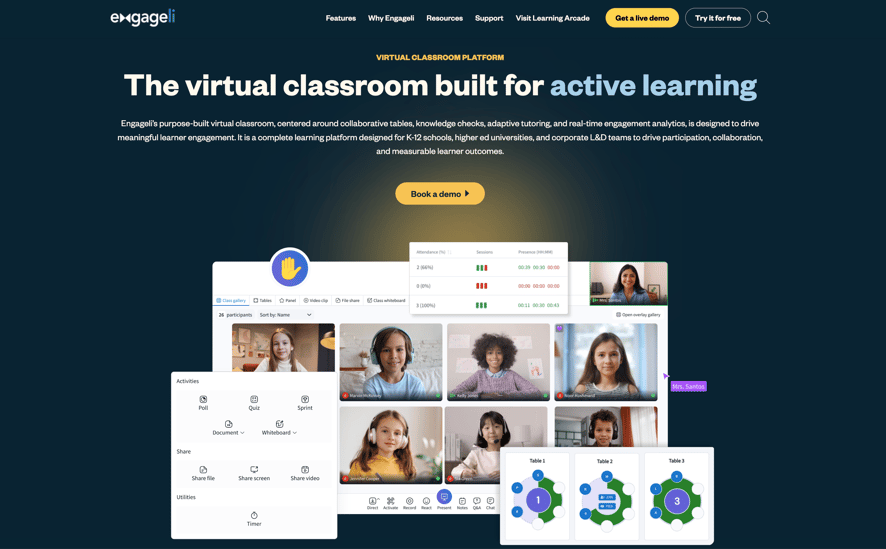
Best for: Higher education, K-12, and corporate L&D programs that need active learning at scale with measurable outcomes.
Engageli was purpose-built as a virtual classroom. Its architecture centers on persistent small groups called “tables” (4 to 6 learners that stay together across activities and sessions), real-time engagement analytics, native assessment, and AI-powered tools for content creation and between-session reinforcement.
Key features:
- Persistent table architecture. The instructor sees all tables simultaneously from one dashboard. Participation rates reach 62.7% vs. roughly 5% on video conferencing tools.1
- Real-time engagement analytics. Live dashboard showing participation, talk time, poll responses, and activity completion at the individual and table level.
- AI-powered reinforcement. Between-session follow-up sends learners personalized reviews based on in-session performance. Produces 85–90% retention.2
- Interactive playback rooms. Recorded sessions where learners answer polls, take notes, chat, and collaborate at virtual tables asynchronously. AI-powered content creation that generates polls, discussion prompts, and table activities from existing slide decks. Cuts prep time by 50%+.
- Low stakes assessment. Built-in quizzes, polls, and game-based learning sprints let instructors measure understanding continuously without relying on formal tests. Educators can launch a quiz or sprint in the moment, see where learners are struggling, and adjust instruction immediately based on real-time results.
- LMS integration. Native with Canvas, Blackboard, Moodle. Automatic roster synchronization, grade passback, and recording delivery.
- Immersive asynchronous. Engageli’s playback rooms turn recordings into active learning experiences tied directly to the live virtual classroom. Learners can rejoin the session asynchronously, sit at virtual tables, answer polls, take notes, participate in activities, and continue collaborating instead of passively watching a video.
Proven outcomes: DeVry University: +7% pass rates, 2x A grades, +155bp persistence.3 People Untapped: +21 points in leadership skills across 1,200 learners.4 Coventry University: 100% participation in RSI-compliant sessions.5
Pricing: Contact for institutional/enterprise pricing or alternatively book a live demo.
2. Zoom
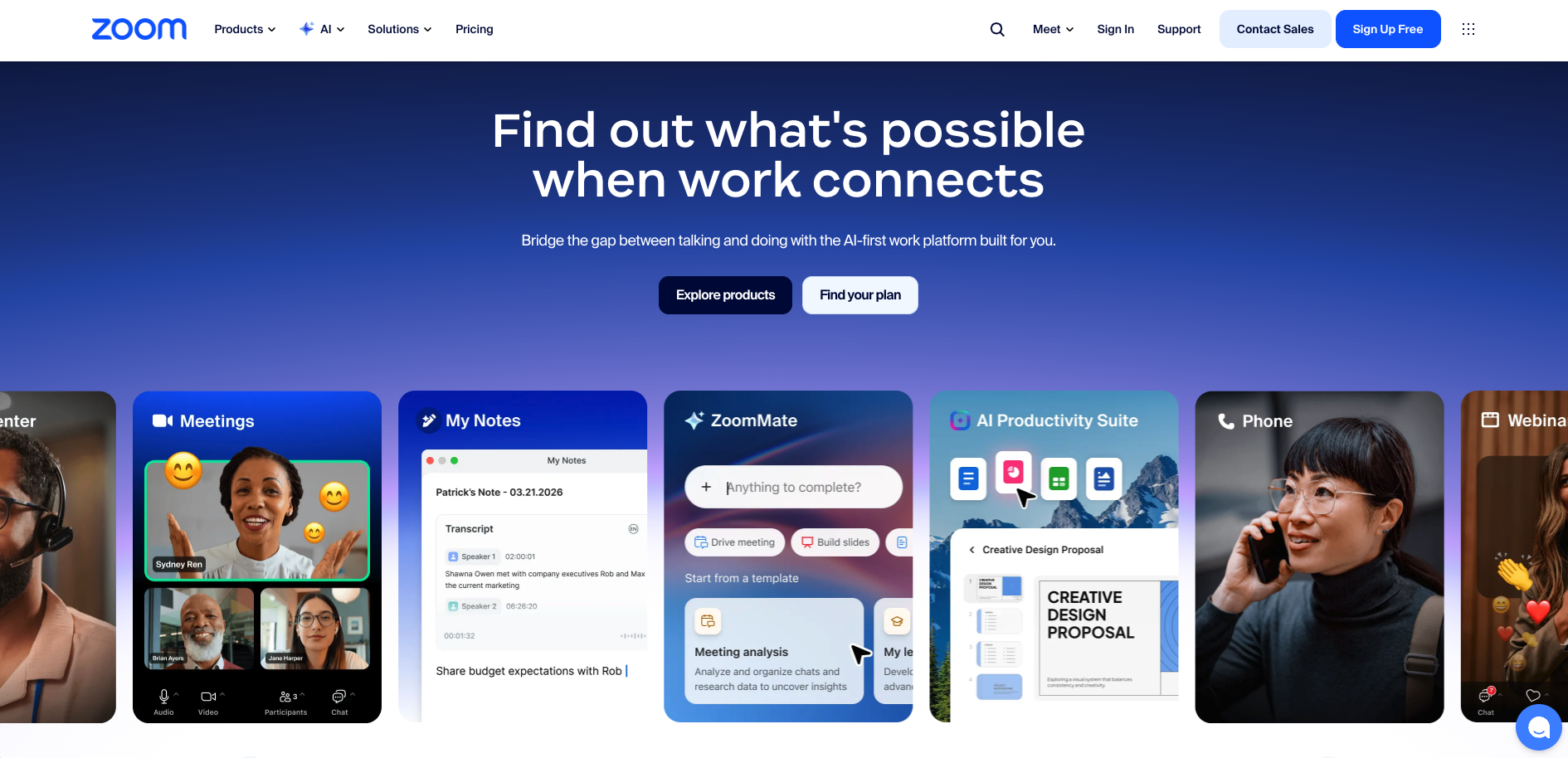
Best for: Organizations that need a general-purpose video conferencing tool with optional education add-ons.
Zoom offers solid video quality, screen sharing, and basic breakout rooms. Zoom for Education adds live attendance tracking, polling, and a virtual whiteboard. Zoom now sits inside the broader Zoom Workplace suite, and its education capacity scales from 100 participants on lower tiers up to 1,000 with the Large Meeting add-on, with webinar formats reaching larger audiences. For most schools the draw is familiarity, which keeps onboarding friction low.
Strengths: Excellent reliability. Wide adoption. Integrates with most LMS platforms via connectors. Zoom Workplace for Education includes AI Companion (version 3.0, released December 2025), which provides meeting summaries, lecture summaries, and study guides at no extra cost on paid plans.
Limitations: Breakout rooms are temporary and manually managed. No persistent small groups. No real-time engagement analytics for instructors. Assessment requires third-party tools. No native game based learning
Pricing: Free tier available with limits. Education plans from ~$10$18/user/month.
3. Microsoft Teams
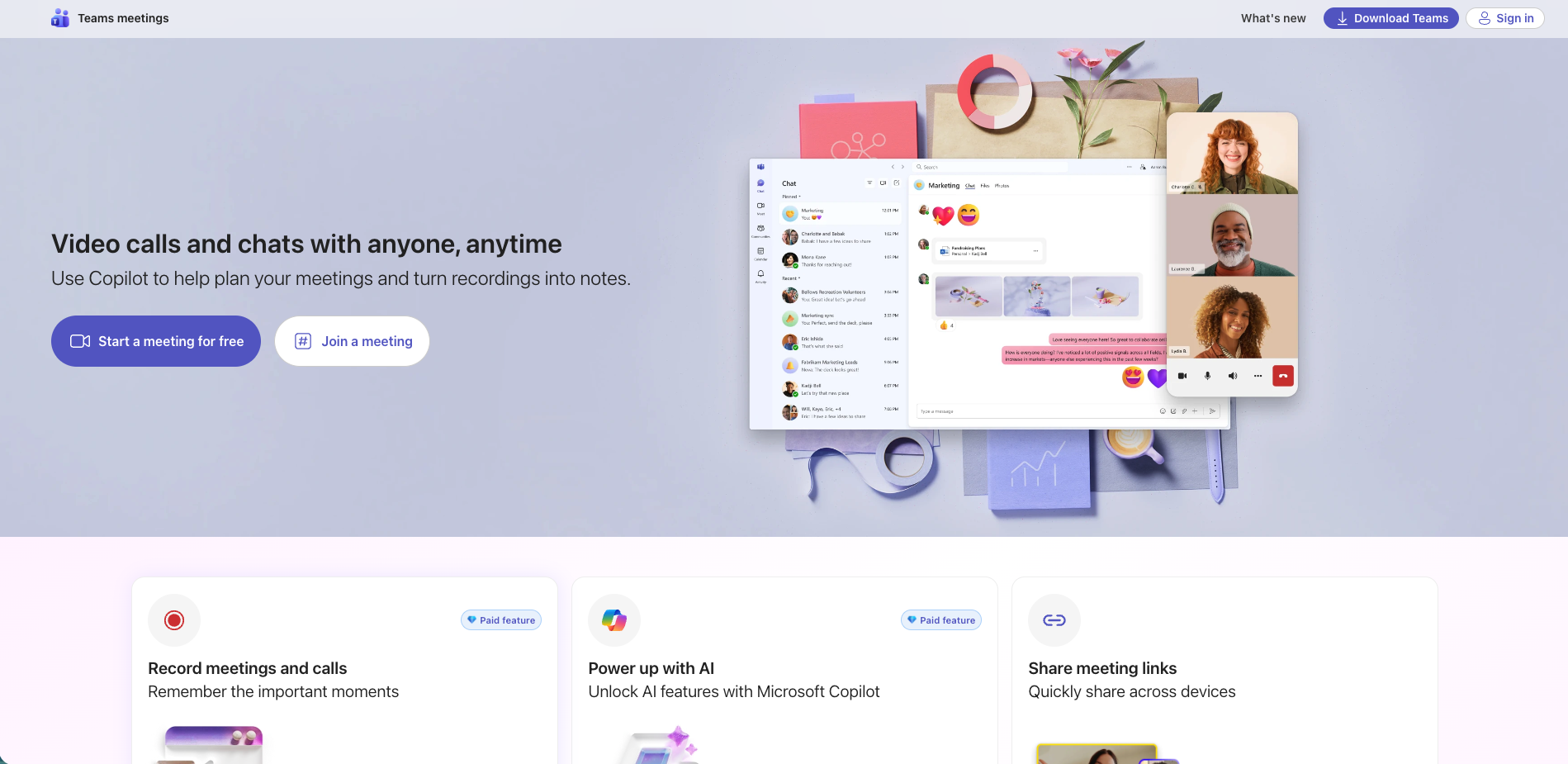
Best for: Schools and organizations already in the Microsoft 365 ecosystem.
Teams for Education includes class teams, assignments, a grade book, and student wellbeing check-ins, with deep integration into Word, PowerPoint, OneNote, and SharePoint. Because Teams ships with most Microsoft 365 Education licenses, districts already paying for Microsoft get it at no additional cost. The assignment and grade book workflows are genuinely strong, and the recent addition of Microsoft 365 Copilot Chat brings AI assistance into the same environment teachers already use.
Strengths: Often free with Microsoft 365 Education licenses. Strong assignment workflow. Teams rooms supports hybrid setups. Microsoft 365 Copilot Chat (free with A1/A3/A5 when enabled); full Microsoft 365 Copilot is a paid academic add-on (announced ~$18/user/month, from December 2025).
Limitations: Meeting-first interface. Temporary breakout rooms. No real-time learning analytics. Basic polling via Forms.
Pricing: Free (for qualifying institutions with an Office 365 A1 plan) all premium features require upgrade . Paid plans start from $2.50–$8/user/month depending on institution size and category.
4. Google Classroom + Google Meet
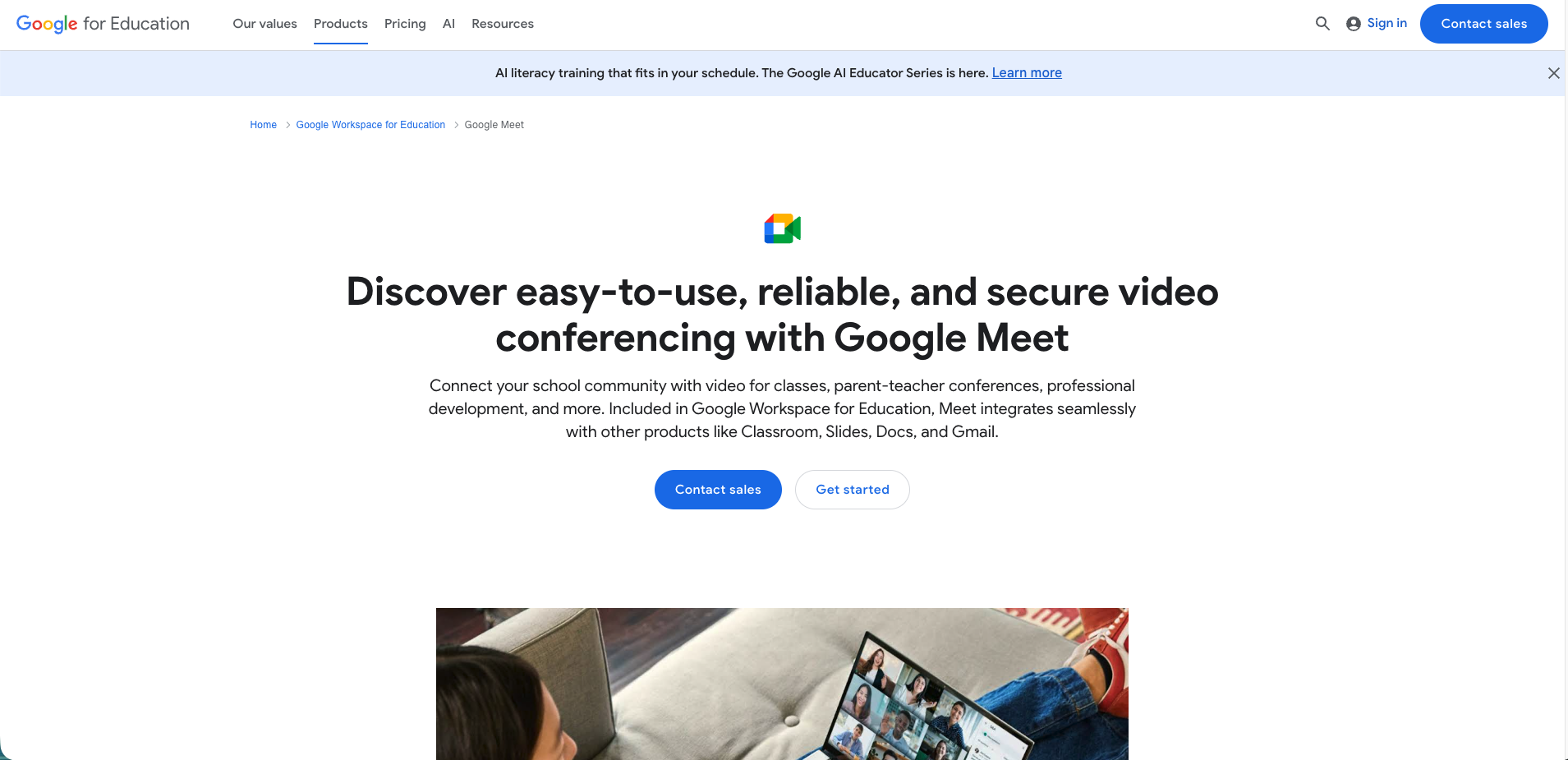
Best for: K-12 schools that need a simple, free platform integrated with Google Workspace.
Google Classroom handles assignments, grading, and communication, and Google Meet provides live video with screen sharing, hand-raising, and Q&A. Its strength is reach and simplicity: Classroom is the default in a large share of K-12 schools, and the workflow connects directly to Drive, Docs, and Slides. Google has been layering Gemini AI into Classroom, including AI-assisted grading suggestions and an analytics view, though the live-session side through Meet stays lighter than purpose-built classroom tools.
Strengths: Free for schools. Extremely simple. Strong K-12 adoption. Practice sets with AI-assisted grading.
Limitations: Google Meet lacks full breakout room management in the free tier. No persistent groups. No real-time analytics. Better for course management than interactive live instruction or improving learner outcomes.
Pricing: Free (Education Fundamentals). Education Standard has been discontinued; Education Plus is now the main paid edition at $6/user/year (raised from $5 - new customers from Oct 1, 2025, renewals from Feb 1, 2026). The Teaching & Learning Upgrade add-on rose to $60/user/year.
5. BigBlueButton
Best for: Higher education institutions that want an open-source, self-hosted virtual classroom.
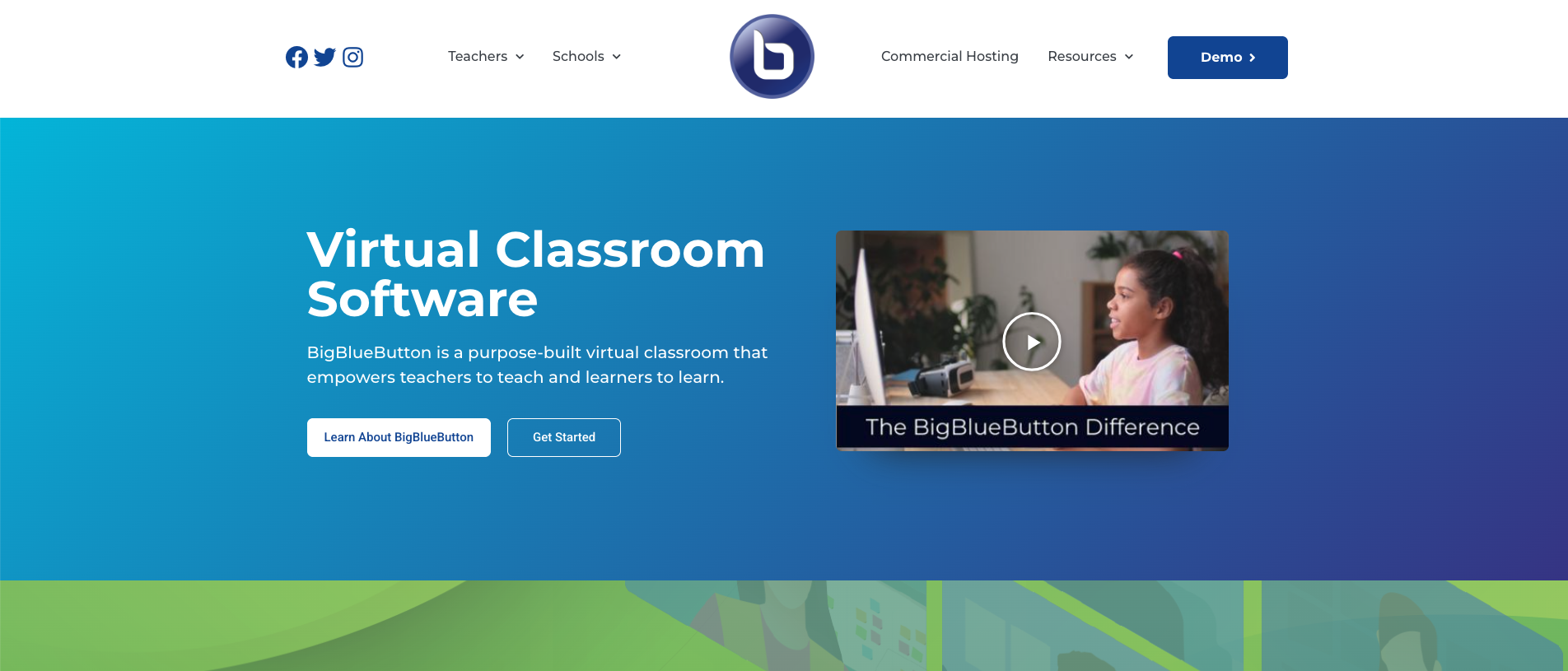
One of the oldest purpose-built virtual classroom platforms, BigBlueButton was created in 2007 and open-sourced in 2009. It includes multi-user whiteboards, breakout rooms, polling, and recording, integrates deeply with Canvas and Moodle, and is localized into more than 65 languages. The February 2025 release of BigBlueButton 3.0 added a plugin architecture, a rebuilt whiteboard, and a built-in quiz feature that feeds a learning analytics dashboard, a modernization for a free, self-hosted tool.
Strengths: Open source, self-hostable, no licensing costs. Native LMS integration. Active global community.
Limitations: Breakout rooms not persistent. No generative-AI assistant. Self-hosting requires technical resources and IT support.
Pricing: Free (self-hosted). Commercial hosting via partners.
6. Kaltura Virtual Classroom
Best for: Institutions that need a virtual classroom integrated with a comprehensive video management platform.
Built on the former Newrow Smart acquisition (Kaltura acquired Newrow in 2020; the Newrow brand has since been retired and the product is marketed as Kaltura Virtual Classroom and Kaltura Rooms). Kaltura’s strength is breadth: the virtual classroom sits inside a full video platform that handles lecture capture, a media library, captioning, and analytics, so institutions that need all of that in one place get a unified system. More recently Kaltura has leaned into AI video features such as automated captioning and content search, though those tools serve the video library more than the live teaching loop.
Strengths: Integrated video management. LTI integration with major LMS platforms. Strong video analytics and captioning.
Limitations: Virtual classroom is one module, not the core product. No persistent small groups, only five videos display at a time. AI features focus on video management, not the learning loop.
Pricing: Contact for pricing.
7. LearnCube
Best for: Online tutors, language schools, and small training businesses.
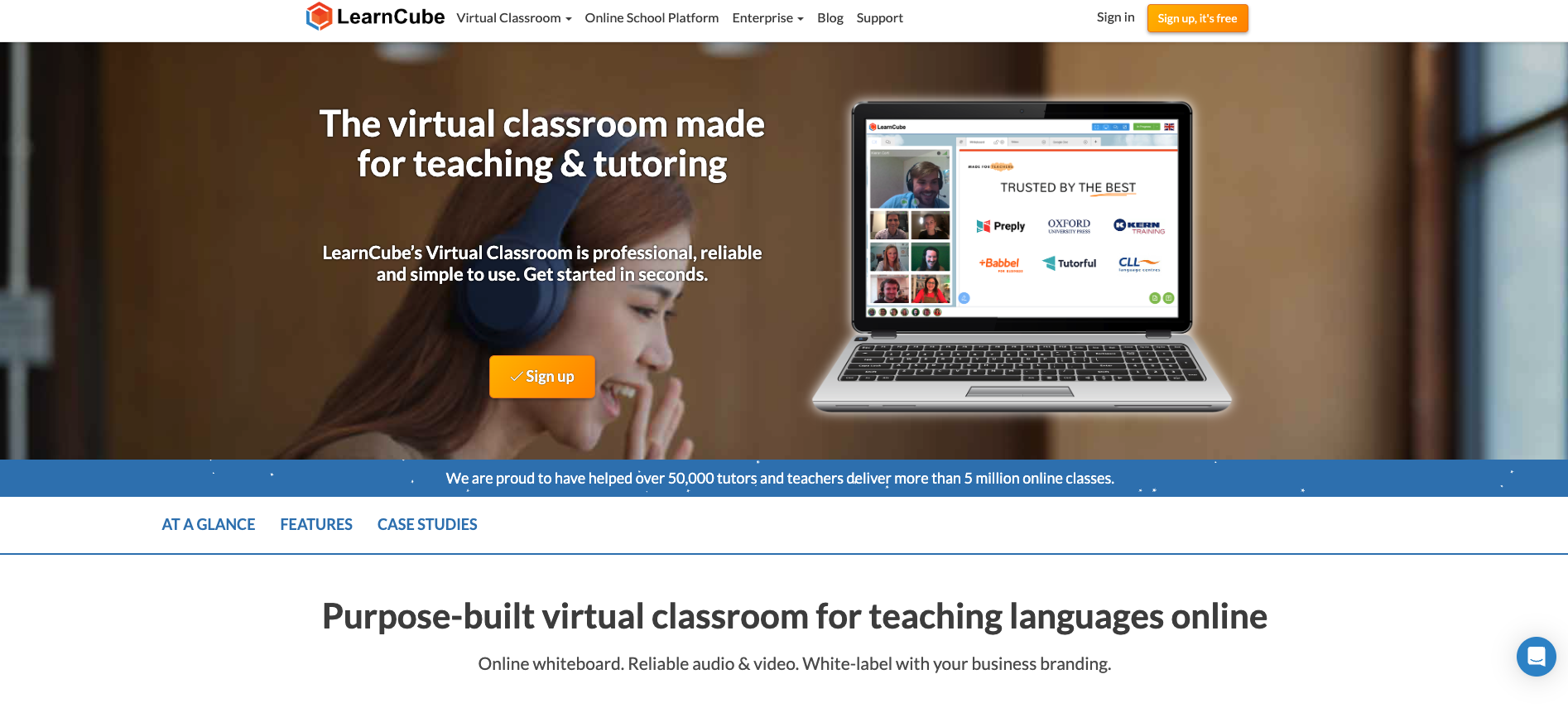
Browser-based and purpose-built for 1-to-1 and small-group teaching, LearnCube includes an interactive whiteboard, a content library, screen sharing, and class recording. It is built specifically for tutoring businesses and language schools, with branded online-school options and a virtual classroom API that lets companies embed live teaching directly inside their own product. Pricing starts low for individual tutors and scales through team and school plans.
Strengths: Purpose-built for tutoring. No downloads. Interactive whiteboard. Affordable. API for embedding.
Limitations: Designed for small groups, not large-class instruction. Limited scalability beyond 20–30 learners. Basic analytics.
Pricing: From $14/month (individual tutor).
8. Vedamo
Best for: Tutors and small training companies that need strong whiteboard tools.
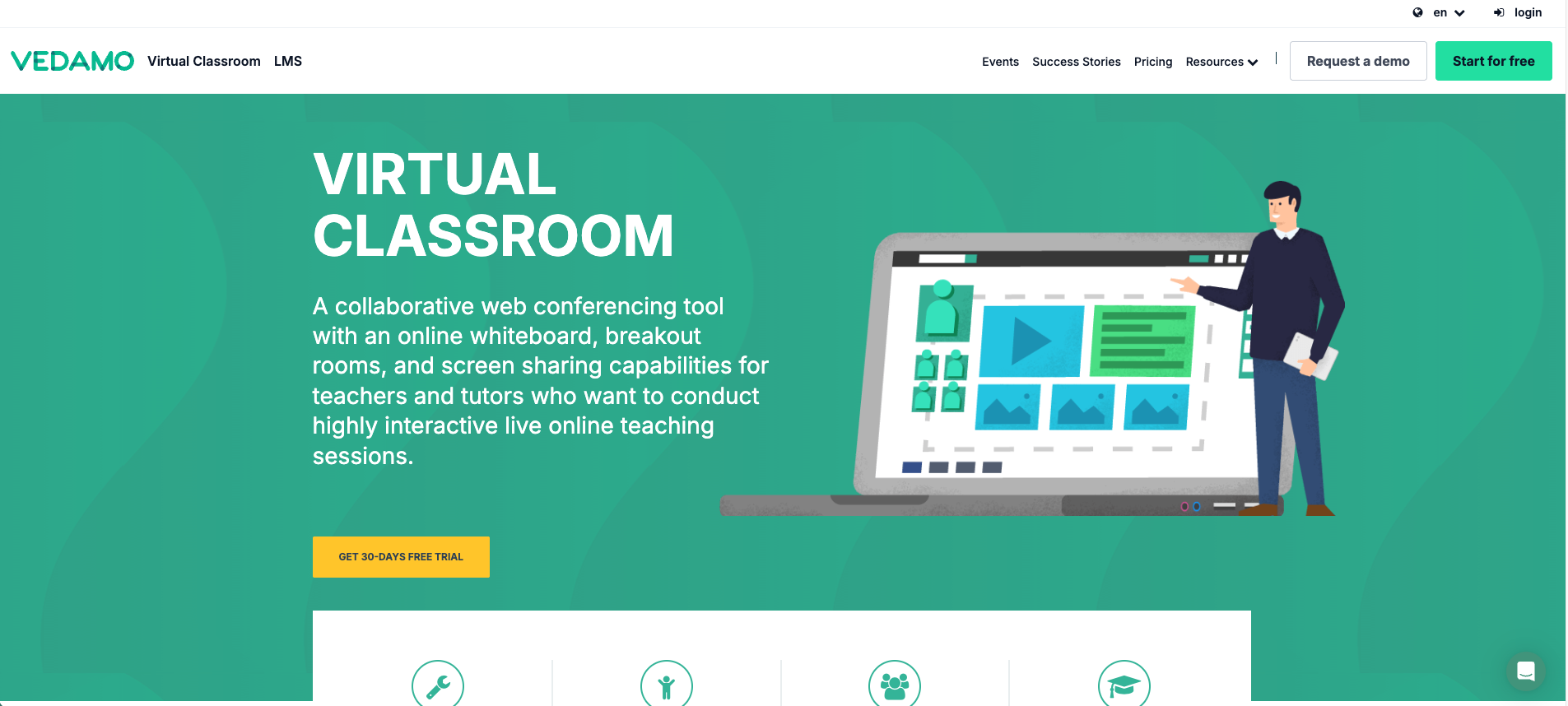
Vedamo is a purpose-built virtual classroom with a rich interactive whiteboard, breakout rooms, a content library, and session templates, all browser-based and used across K-12, higher ed, corporate training, and tutoring. The whiteboard and session-template tools are its standout, and it integrates with LMS platforms including Moodle, Canvas, and Schoology through LTI. Its premium plan supports up to 50 participants, which fits language schools and small training companies more than large lecture sections.
Strengths: Rich whiteboard with annotation and collaboration. Session templates. Browser-based. Content management built in.
Limitations: Fewer enterprise-scale deployments. Limited AI tools. Limited real-time analytics. Less suited for 100+ learner sessions.
Pricing: Contact for pricing. Plans are configured by number of classrooms/storage and priced in EUR; the premium Virtual Classroom plan supports up to 50 participants.
9. Adobe Connect
Best for: Corporate training teams that need session customization and compliance tracking.
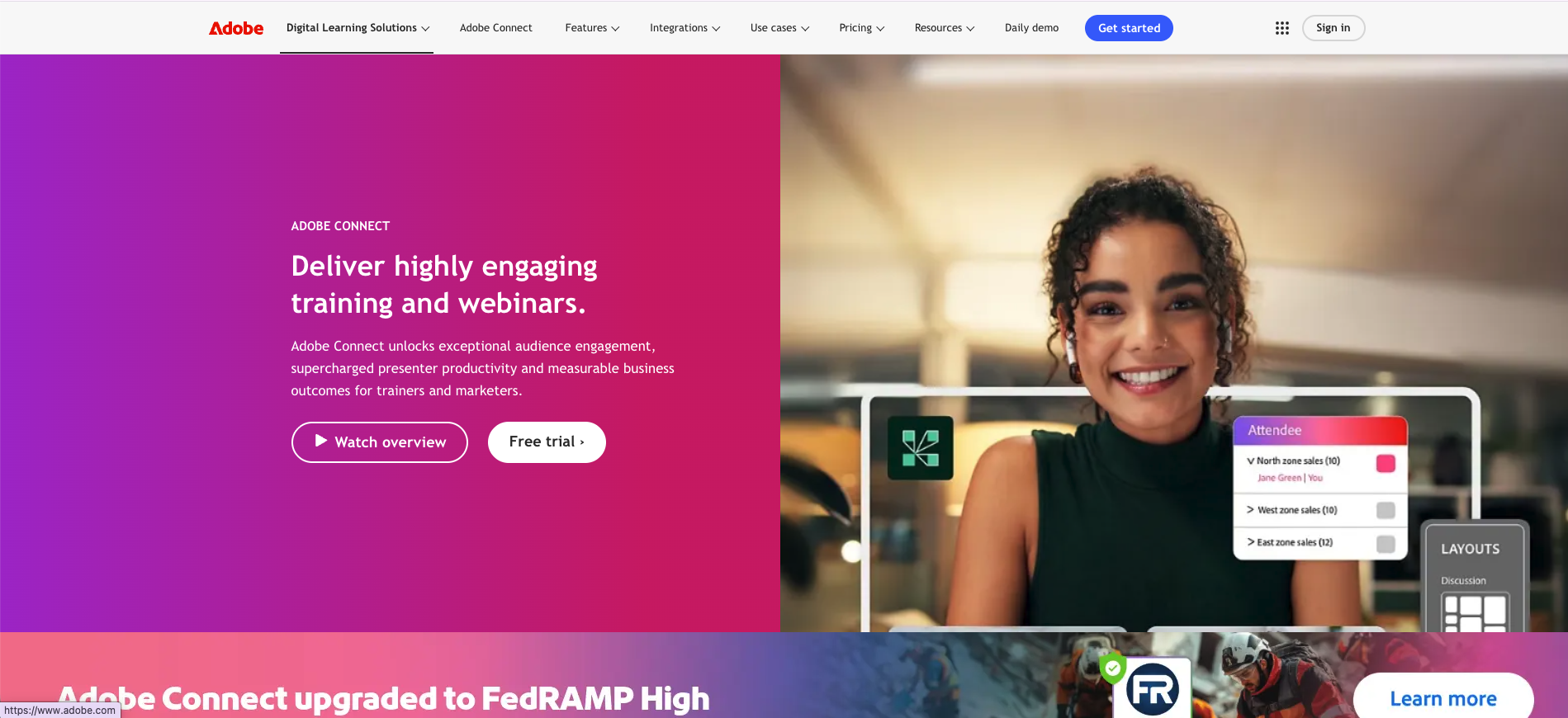
A veteran platform launched in 2002, Adobe Connect offers extensive layout customization through “pods,” modular widgets for chat, polls, video, files, and whiteboards. Few tools match the control it gives a facilitator over the room: layouts are fully configurable, persistent rooms keep their setup between sessions, and the compliance and tracking features have a long track record in regulated corporate training. Adobe now organizes it into Meetings, Webinars, and Learning plans rather than a single product.
Strengths: Highly customizable layouts. Persistent rooms. Strong compliance tracking. Backstage prep area. Long corporate training track record.
Limitations: Interface feels dated. Steeper facilitator learning curve. Limited analytics. Smaller market share limits newer integrations.
Pricing: Now organized as Meetings, Webinars, and Learning. Meetings start around $50/host/month; Webinars and Learning/Virtual Classroom tiers are priced higher by capacity. Confirm current tiers on Adobe’s site.
10. Moodle + BigBlueButton
Best for: Institutions that want a free, open-source LMS with a built-in virtual classroom.
Moodle is the world’s most widely used open-source LMS, with more than 500 million users. Because BigBlueButton has shipped inside Moodle core since version 4.0, institutions get course management and live sessions in one open-source stack with no licensing fees. The trade-off is operational: someone has to host, update, and support it, which usually means dedicated IT.
Strengths: Completely open source. Massive plugin ecosystem. Course management + live sessions in one platform. No licensing fees.
Limitations: Requires technical resources to host. BigBlueButton limitations apply (no persistent groups, no AI). Interface can feel dated. More complex to administer than commercial alternatives.
Pricing: Free (self-hosted). MoodleCloud from $130/year for up to 50 users.
11a. Class Technologies (Class.com)
Best for: Education, corporate, and government programs that want a teaching layer built on top of Zoom or Microsoft Teams.
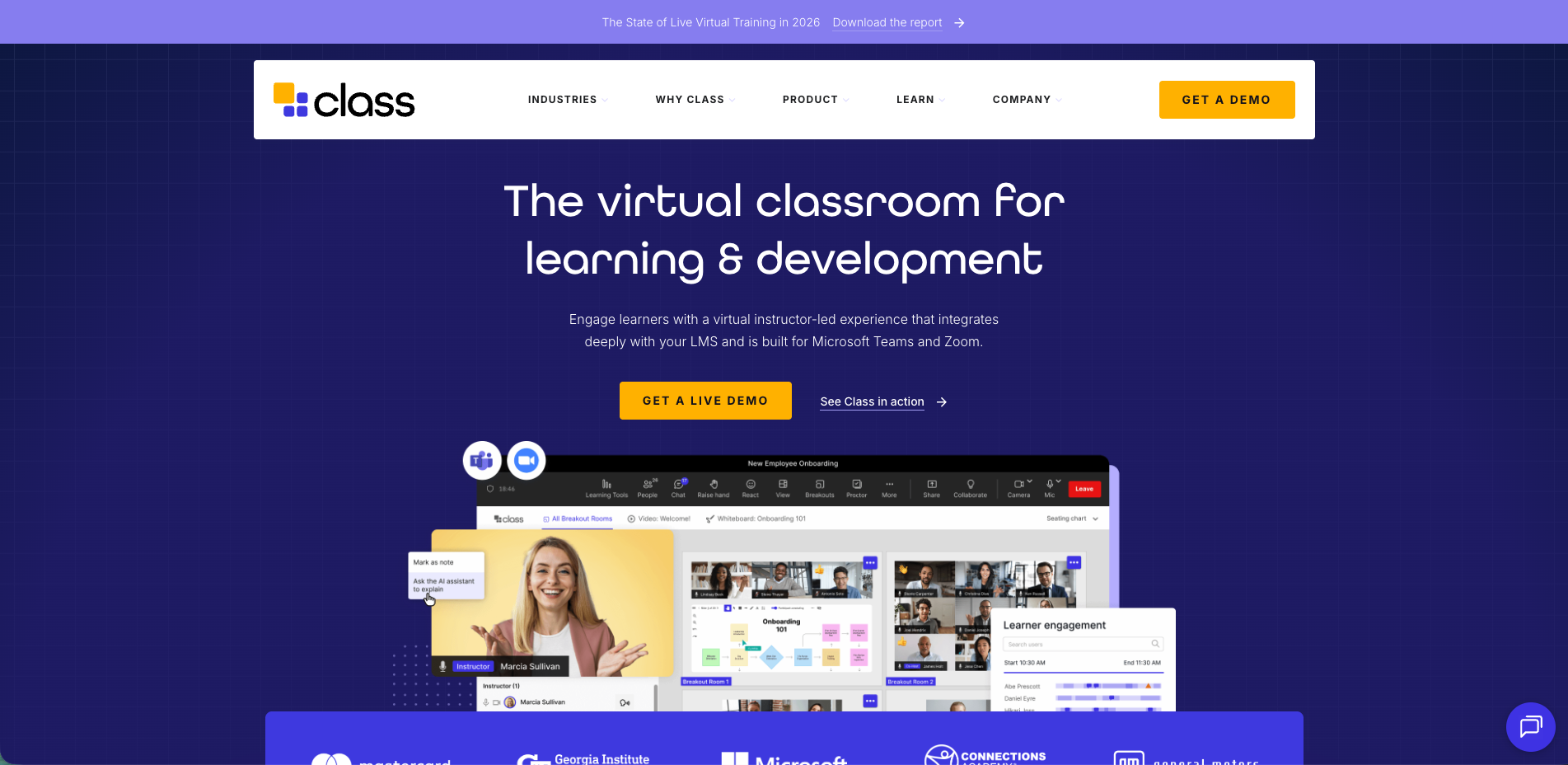
Class, from Class Technologies (founded in 2020 by Blackboard co-founder Michael Chasen), adds a full virtual classroom on top of the meeting tools institutions already run. Rather than replacing Zoom or Microsoft Teams, it layers teaching tools onto them: course setup with templates and LMS rostering, enhanced breakout rooms that can launch polls and assessments, attendance, a gradebook, in-app proctoring, engagement analytics, and an AI Teaching Assistant that answers learner questions and generates study guides from session transcripts. The company reports 10M+ users across 1,500+ institutions and serves K-12, higher ed, corporate L&D, and government, with FedRAMP and HIPAA-certified options for regulated buyers.
Strengths: Adds real teaching tools to Zoom and Teams without leaving the meeting. LMS integration (Canvas, Blackboard, D2L, Moodle, Open LMS). Embedded assessment and engagement analytics. AI Teaching Assistant. Compliance certifications for government and healthcare.
Limitations: Depends on Zoom or Microsoft Teams as the underlying meeting layer. Breakout groups are session-based, not persistent small groups. Active-learning depth is tied to how the underlying meeting tool behaves.
Pricing: Contact Class Technologies for institutional and enterprise pricing.
Note: Class Technologies also offers Class Collaborate, the product formerly known as Blackboard Collaborate, which it acquired from Anthology in 2022. Class Collaborate is being end of lifed, and existing customers are being migrated toward the flagship Class product through 2026.
11b. Class for Web (formerly Blackboard Collaborate)
Best for: Institutions with an existing Blackboard Collaborate deployment that need a migration plan to class.com, not a new adoption.
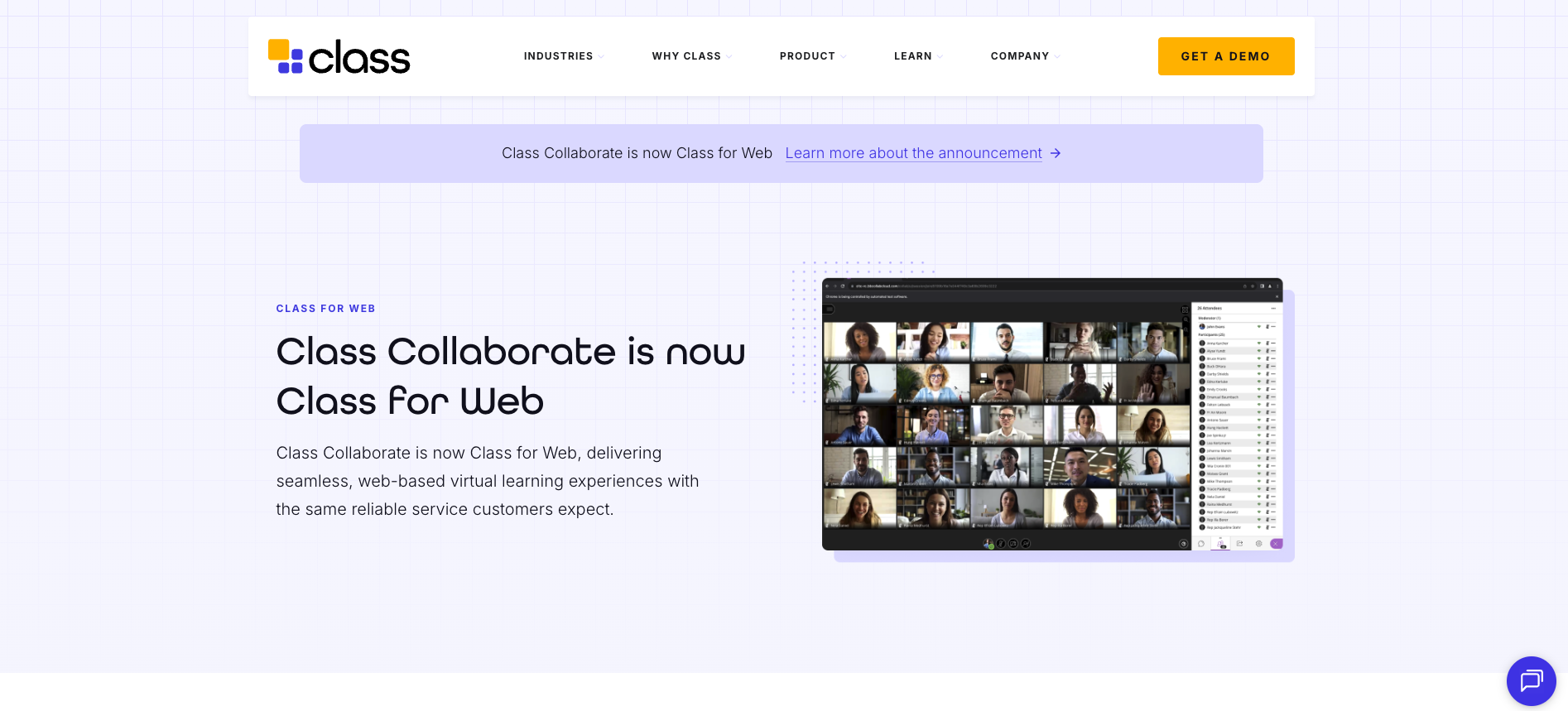
Class is a separate product, built by Class Technologies (founded in 2020 by Michael Chasen, a Blackboard co-founder), that originally layered teaching tools on top of Zoom. The two are not the same platform. Class Technologies is sunsetting Class Collaborate aka Class for Web. Institutions are reporting contract expirations and removal of the Blackboard integration through 2026, with vendors steering them toward alternatives.
What it still does (for existing users): breakout groups, polling, hand-raising, whiteboard collaboration, session recording, and LMS integration that launches sessions from within Blackboard Learn with attendance passed back to the grade center. Breakout groups are session-based, not persistent. There are no real-time analytics dashboard, no AI content or reinforcement tools, and recordings are passive video.
Pricing: Contact Class Technologies / Anthology regarding existing deployments and migration timelines.
12. Livestorm
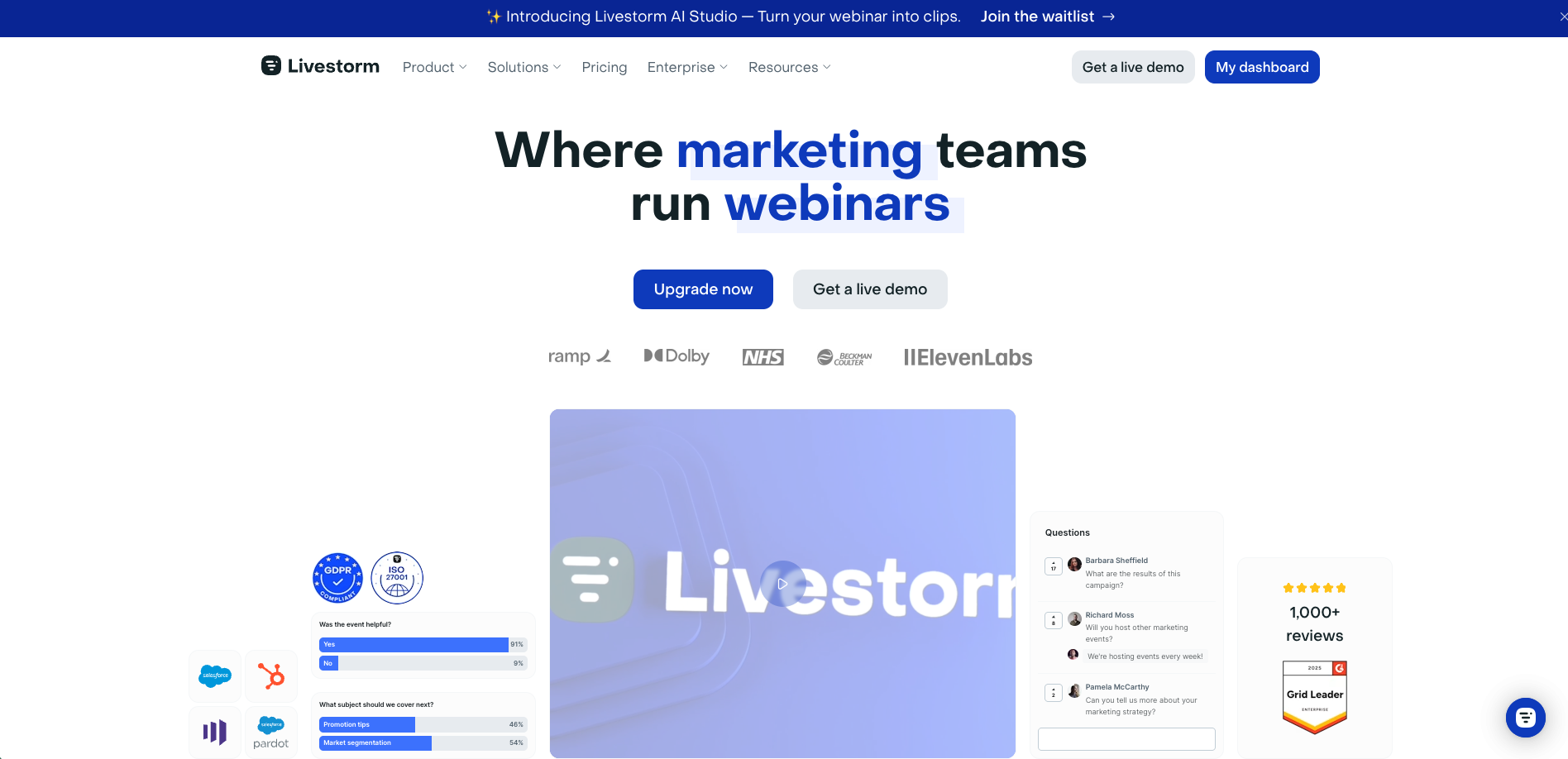
Best for: Organizations that need a polished webinar and virtual event platform for customer education, product demos, marketing events, and large-audience broadcasts.
Livestorm is not a virtual classroom in the active learning sense. It is a browser-based webinar and virtual event platform built for one-to-many delivery: product launches, marketing webinars, customer onboarding sessions, and company all-hands. Its inclusion here is for one reason: many buyers searching for virtual classroom software are actually looking for a webinar tool, and Livestorm is the strongest option in that adjacent category.
Strengths:
Browser-based, no download. Attendees join via a link. No software installation required for hosts or participants. Q&A and polls. Live Q&A moderation, polls, and emoji reactions. Engagement tools are built for audience response, not small-group interaction. Automated workflows. Email sequences, registration pages, replay hosting, and post-event analytics.
CRM and marketing integrations. Connects with HubSpot (native on Pro); Salesforce, Marketo, and Pardot require Enterprise; Zapier bridges the rest.
Limitations: Not a teaching tool. No persistent small groups, no real-time learning analytics, no native LMS integration, no assessment beyond basic polls. Audience members are participants, not learners. If your goal is behavioral change, skill development, or measurable academic outcomes, Livestorm is the wrong category of tool. Playback is passive video.
The distinction that matters: A webinar is a broadcast. A virtual classroom is a learning environment. Livestorm excels at the former. If you are evaluating platforms because you need learners to actually learn something (not just attend something), start higher on this list.
Pricing: Free plan (20-minute sessions, limited attendees). Paid plans now use active-contact-based pricing; Pro starts around $99/month (billed annually), with Business and Enterprise tiers above it.
Virtual Classroom Comparison Table:
| Platform | Type | Persistent Groups | Live Analytics | Native Assessment | AI Tools | LMS Integration | Async/On-Demand |
|---|---|---|---|---|---|---|---|
| Engageli | Purpose-built | ✓ | ✓ | ✓ | ✓ Quiz Generation, AI assistant + AI reinforcement | ✓ Canvas, BB, Moodle | ✓ Interactive playback |
| Zoom | Video conferencing | ✗ | ✗ | Basic polls | ✓ AI Companion | Via connectors | Recordings only |
| Microsoft Teams | Video conferencing | ✗ | ✗ | Basic polls | ✓ 365 Copilot Chat + Reflect | ✓ MS ecosystem | Recordings only |
| Google Classroom | Course management | ✗ | ✗ | Practice sets | ✓ Gemini, AI grading | ✓ Google Workspace | Recordings only |
| BigBlueButton | Open source | ✗ | Basic | ✓ Polls, notes | ✗ | ✓ Canvas, Moodle | Recordings only |
| Kaltura | Video + classroom | ✗ | Video analytics | ✓ Polls | ✓ Video AI | ✓ LTI | Video management |
| LearnCube | Tutoring | ✗ | Basic | Whiteboard | ✓ Assistant | API | Recordings only |
| Vedamo | Purpose-built | ✗ | Basic | ✓ Polls | ✓ Quiz Generation | Limited | Recordings only |
| Adobe Connect | Enterprise | ✓ | ✓ | ✓ Polls, quizzes | ✓ Assistant | SCORM, LTI | Recordings only |
| Moodle + BBB | LMS + classroom | ✗ | LMS reporting | ✓ Moodle quizzes | ✗ | ✓ | Recordings only |
| Class (Blackboard Collaborate) | LMS-native | ✗ | Basic | ✓ Polls | ✓ Assistant | ✓ | Recordings only |
| Livestorm | Webinar / events | ✗ | Event analytics | Basic polls | ✓ AI Transcription | CRM (HubSpot, Salesforce) | Passive replay |
Best Virtual Classroom Software by Use Case
Best for K-12
| Platform | Why It Fits | What You Should Note |
|---|---|---|
| Google Classroom | Free, simple K-12 adoption. Assignment workflow integrates with Google Docs. Low learning curve for students and teachers. | Google Meet’s live session tools are basic. No persistent groups or real-time analytics. Better for course management than interactive instruction. |
| Engageli | Purpose-built for active learning with persistent tables, real-time analytics, and interactive playback. Used in K-12 programs including Salem-Keizer School District (ADA funding recovery through virtual attendance). | Enterprise pricing. Best fit for districts and programs that need measurable engagement outcomes, not individual teachers looking for a free tool. |
| Microsoft Teams | Free with Microsoft 365 Education licenses. Assignments, grade book, and Reflect built in. Good for districts already using Microsoft. | Meeting-first interface. Students may find the interface cluttered compared to Google Classroom. |
Best for Higher Education
| Platform | Why It Fits | What You Should Note |
|---|---|---|
| Engageli | Built for higher ed from the start. Persistent tables, LMS integration (Canvas, Blackboard, Moodle), RSI compliance documentation, interactive playback for async. DeVry: +7% pass rates. Coventry: 100% participation in extended table mode. UNIC: 92% poll engagement. | Enterprise pricing requires institutional commitment. |
| BigBlueButton | Open source, free, native integration with Moodle and Canvas. Well-established in higher ed for over 15 years. No licensing costs. | Requires self-hosting resources. No AI tools. No persistent groups. Interface is functional but dated. |
| Kaltura | Good fit for institutions that need unified video management (lecture capture, media library, virtual classroom) in one platform. LTI integration. | Virtual classroom is a secondary feature within a video platform. Less depth on engagement analytics and active learning tools. |
| Moodle + BBB | Full open-source LMS + virtual classroom stack. Complete control. Massive plugin ecosystem. No licensing fees. | Requires dedicated IT. BigBlueButton limitations apply. Administration is more complex than commercial options. |
| Class (formerly Blackboard Collaborate) | Deep integration with the Blackboard/Anthology LMS ecosystem. Sessions launch from within Blackboard Learn. Attendance and participation data pass back to the grade center automatically. Widely installed at universities with long Blackboard histories. | Best suited for institutions already committed to Anthology. No persistent small groups, no AI tools, no real-time analytics dashboard, no interactive async playback. Roadmap is tied to Anthology product decisions. |
Best for Corporate L&D
| Platform | Why It Fits | What You Should Note |
|---|---|---|
| Engageli | Scales active learning to 120–150 learners per session with small-group interaction. Cost per learner roughly 1/10th of in-person delivery.6 AI-powered content creation and between-session reinforcement. People Untapped: +21 points leadership skills across 1,200 learners. | Strongest for programs where active participation and outcome measurement are priorities. Not optimal serving as 1-on-1 meeting platform. |
| Adobe Connect | Highly customizable pod-based layouts. Persistent rooms. Strong compliance and tracking. Long corporate training track record. | Dated interface. No AI tools. Steeper learning curve for facilitators. |
| Zoom | Everyone already has it. Low friction for external participants (clients, partners). AI Companion for meeting summaries. | A meeting tool. No persistent groups, no real-time learning analytics, no native assessment. Fine for webinars, insufficient for training that needs to change behavior. |
| Microsoft Teams | Already deployed in most enterprises. No additional procurement. Integrates with the full Microsoft 365 stack. | Same limitations as Zoom for learning. Chosen for convenience, not for training outcomes. |
| Livestorm | Strong choice for customer education webinars, product demos, and marketing events. Polished attendee experience, easy registration pages, automated email sequences, and CRM integrations (HubSpot, Salesforce, Marketo). Used by revenue teams running recurring virtual events. | Not a training tool. No persistent groups, no learning analytics, no native LMS integration, no assessment beyond basic polls. If behavioral change or skill development is the goal, Livestorm is the wrong category of platform entirely. |
Best Free Options
| Platform | Free Tier Details | What You Give Up |
|---|---|---|
| Google Classroom + Meet | Free for qualifying schools (Google Workspace for Education Fundamentals). | Limited Meet features (no breakout rooms in free tier). No real-time analytics. No AI content creation. |
| BigBlueButton | Fully free, open source. Self-hosted. | Requires server infrastructure and IT support. No AI. No persistent groups. No interactive playback. |
| Moodle + BBB | Full LMS + virtual classroom, free, open source, self-hosted. | Same as BigBlueButton above plus Moodle admin complexity. MoodleCloud hosted option starts at $130/year. |
| Zoom (Free Tier) | Free for sessions up to 40 minutes, up to 100 participants. | 40-minute time limit. No education-specific features on the free tier. No analytics or assessment beyond basic polls. |
Best for Tutoring and Small Business
| Platform | Why It Fits | What You Should Note |
|---|---|---|
| LearnCube | Built for 1-to-1 and small-group tutoring. Browser-based. Interactive whiteboard. API for embedding into your own platform. From $14/month. | Not designed for classes larger than 20–30. Basic analytics. Limited AI. |
| Vedamo | Rich whiteboard tools. Session templates for recurring classes. Content management. From $25/month. Good for language schools and training companies. | Limited scalability for large sessions. No AI. Fewer integrations than enterprise platforms. |
How Virtual Classroom Software Supports Remote and Hybrid Teaching
Remote and hybrid teaching are no longer emergency measures. They are permanent delivery models for institutions and organizations that need to reach learners across locations, time zones, and circumstances. The question is no longer whether to teach remotely. It is whether your platform is built to make remote and hybrid instruction as effective as in-person.
Virtual classroom software facilitates remote teaching by solving the three problems that video conferencing tools cannot: participation visibility, small-group collaboration at a distance, and continuity between live and asynchronous sessions.
Participation visibility. In a physical classroom, the instructor can see who is engaged and who is drifting. On a video call, a grid of faces (or black squares) tells the instructor nothing. Purpose-built virtual classrooms provide real-time analytics dashboards that show participation, talk time, and activity completion during the session. The instructor can see which remote learners are active and which need intervention, something impossible on Zoom or Teams.
Small-group collaboration across locations. Hybrid teaching often means some learners are in the room and some are remote. Video conferencing tools treat remote participants as secondary. Purpose-built platforms like Engageli put all learners on equal footing through persistent tables where in-person and remote students collaborate in the same small groups. The facilitator manages one environment, not two separate experiences.
Continuity between live and asynchronous. Remote learners miss sessions more often due to time zones and scheduling conflicts. Platforms with interactive playback rooms (not just passive recordings) let absent learners engage with the session asynchronously: answering polls, taking notes, and collaborating at virtual tables. This maintains the active learning component even when the learner was not there live.
The best educator software for remote and hybrid teaching environments does not just connect people on a screen. It provides the structure, analytics, and asynchronous capabilities that make remote instruction produce the same outcomes as in-person delivery.
Best Online Teaching Software and Online Classroom Platforms
The terms “online teaching software,” “online classroom platforms,” and “virtual classroom software” are often used interchangeably. They describe the same category: tools that enable live or asynchronous instruction over the internet. The platforms listed in this guide all qualify, but some are stronger for specific online teaching workflows than others.
For instructors who teach live online classes regularly, the priority is session efficiency: how quickly can you launch, how easily can you manage groups, and how much real-time data do you get? Engageli, BigBlueButton, and Vedamo are built for this workflow. Each session starts with groups already assigned, activities ready to deploy, and analytics running from minute one.
For instructors who mix live and self-paced delivery, the priority is platform integration. You need live sessions, recorded playback, self-paced modules, and assessments in one place. Engageli handles this through its combination of live virtual classrooms, interactive playback rooms, and AI-powered content creation via Studio. Moodle + BigBlueButton achieves a similar scope through its LMS layer, though without the AI tools or interactive async playback.
For organizations that need online teaching at enterprise scale, the priority is administration: scheduling across cohorts, managing facilitators, integrating with existing LMS and HR systems, and reporting outcomes to leadership. Engageli and Adobe Connect serve this use case, with Engageli offering stronger active learning features and Adobe Connect offering more layout customization.
The best online classroom software for teachers depends on whether you are optimizing for live instruction, blended delivery, or enterprise administration. The platforms in this guide are organized to help you find the right match for your specific online teaching workflow.
Best Platforms for Live Virtual Classes
If your program depends on live, synchronous instruction where learners participate in real time, not every platform on this list serves that use case equally. Here are the top picks ranked by their live session capabilities.
| Rank | Platform | Why It Excels for Live Classes | Max Interactive Capacity |
|---|---|---|---|
| 1 | Engageli | Persistent tables, live analytics dashboard, native polls/quizzes, AI-powered session creation. 62.7% active participation rate. The facilitator sees all groups from one screen. | 1000–1200 with small groups |
| 2 | Adobe Connect | Highly customizable pod layouts. Persistent rooms. Engagement dashboard. Strong for structured corporate sessions with compliance requirements. | Up to 1,500 (webinar-style) |
| 3 | BigBlueButton | Purpose-built for teaching. Multi-user whiteboard. Polls, shared notes. Free and open source. Native LMS integration with Moodle/Canvas. | Varies by hosting (typically 100–300) |
| 4 | Vedamo | Rich whiteboard. Session templates. Browser-based. Good for recurring small-group instruction. | Up to 25 interactive |
| 5 | Zoom | Reliable video. Universal familiarity. Basic breakout rooms and polls. Fine for simple live sessions where active learning tools are not required. | Up to 1,000 (300 interactive) |
The gap between platforms 1 and 5 on this list is not a feature gap. It is an outcomes gap. The Freeman et al. meta-analysis of 225 studies found that active learning raises exam performance by roughly 6% and reduces failure rates by more than a third.7 The platforms at the top of this list are the ones that make active learning the default in live virtual classes instead of something the instructor has to fight the tool to achieve.
Virtual Classroom Event Management and Administration
Running a single virtual classroom session is straightforward. Running a program with dozens of sessions, multiple facilitators, hundreds of learners across cohorts, and reporting requirements for leadership is a different challenge entirely. Event management services for virtual classrooms cover the administrative layer that sits on top of the live instruction.
Here is what to evaluate:
Scheduling and calendar integration. Can you schedule recurring sessions that auto-populate learner calendars? Can facilitators manage their own schedules within the platform? Platforms like Engageli and Adobe Connect support structured session scheduling. On Zoom and Teams, scheduling is handled through their respective calendar systems (Google Calendar, Outlook) but without the learning-specific context (session type, group assignments, pre-session materials).
Roster and cohort management. For programs with multiple cohorts running simultaneously, you need automatic roster sync from your LMS or HR system. Manual roster management breaks at scale. Engageli, BigBlueButton (via LMS), and Moodle handle this through LMS integration. Zoom and Teams require manual management or third-party connectors.
Recording management. A 10-session program for 5 cohorts generates 50 recordings. Where do they go? Are they automatically filed by course and session? Can learners find their specific recording without searching? Engageli’s interactive playback rooms automatically organize recordings by session and provides recording access via the virtual classroom link . Kaltura’s video management platform excels here too. On Zoom and Teams, recordings land in a general library that someone has to organize manually.
Reporting and compliance. Can the platform generate reports showing which learners attended, participated, and completed assessments across an entire program? Is this data exportable to your LMS or compliance system? Adobe Connect has the longest track record for compliance-focused reporting. Engageli provides outcome-level reporting (participation, engagement, assessment performance) that goes beyond attendance. Most video conferencing tools report attendance only.
Multi-facilitator support. Can multiple instructors co-facilitate a session? Can one manage content while another monitors tables? Can a program administrator assign facilitators to sessions without giving them admin access to the entire platform? Engageli supports team teaching with multiple facilitator roles. Adobe Connect’s backstage area lets presenters prepare while others run the session. Zoom and Teams support co-hosts but without learning-specific role separation.
Event management is the feature set that determines whether your virtual classroom scales from a single course to an institutional program. If you are evaluating platforms for enterprise deployment, these administrative capabilities matter as much as the in-session teaching tools.
How to Improve Student Engagement in Your Virtual Classroom
Engagement is the single most common challenge instructors cite in virtual environments. It is also the most solvable. The problem is rarely that learners do not want to participate. It is that the platform and session design make passive observation the path of least resistance.
Here are the strategies that consistently move the needle, based on research and platform data from institutions running live programs.
Use persistent small groups, not reshuffled breakout rooms. Learners who sit with the same 4 to 6 people across sessions build familiarity and trust faster. They participate more freely. At Coventry University, sessions using Engageli’s persistent table structure reached 100% participation in extended table mode.5
Launch polls every 8 to 10 minutes. Polls give every learner a low-stakes way to participate without speaking in front of the full room. Use the results as discussion starters: “40% of you chose B. Let’s hear from someone who chose B and someone who chose C.” At the University of Nicosia, this approach produced 92% poll engagement.8
Build peer-to-peer activities into every session. Community does not form between learners and an instructor. It forms between learners. Every session should include at least two activities where learners work with each other: a table discussion, a peer review exercise, a collaborative problem set. The Freeman et al. meta-analysis found that active learning raises exam performance by roughly 6% and reduces failure rates by more than a third.7 Peer interaction is a core mechanism of that effect.
Start with icebreakers that create valuable takeaways. Asking 30 learners to name their favorite animal does not build community. Instead: have each table discuss a challenge related to the course topic, then share one with the room. Have learners introduce themselves by connecting their experience to the first lesson. The goal is not to “break the ice.” It is to create the first moment where learners hear each other’s voices. Read more: 25 Fun Icebreakers for the Virtual Classroom
Use real-time analytics to catch disengagement early. In every cohort, some learners disengage quietly. Without data, they disappear before anyone notices. A live engagement dashboard shows who is participating and who has gone silent. A brief private message (“I noticed you were quiet today. Everything okay?”) can be enough to re-engage a learner who is drifting.
Extend engagement beyond the live session. Community that only exists during a 60-minute session is fragile. Interactive playback rooms let learners review recorded sessions in small groups with polls, notes, and chat intact. AI-powered between-session reinforcement keeps learners connected to the material between meetings. The combination produces 85 to 90% retention.2
For a deeper dive, see our full guide: 10 Ways to Build Community in a Virtual Classroom.
Virtual Classroom Best Practices for Instructors
The platform matters, but the facilitator is what makes it work. Here are the practices that separate virtual classroom sessions that produce outcomes from sessions that produce attendance records.
Define learning objectives before choosing features. Write down 3 to 5 specific things a learner should be able to do after the session. Not topics they should “understand” but actions they should perform. Map each objective to a session format: skill-based objectives need small-group practice, knowledge-based objectives need retrieval activities, compliance objectives need documented assessment.
Structure sessions around 8 to 12 minute active blocks. Break every session into short blocks. Each block follows a rhythm: brief instructor input, then a learner activity (table discussion, poll, problem set, peer review). No learner should sit passively for more than 10 minutes at any point in the session. This is what produces the 54% test score improvement documented in Engageli’s Active Learning Impact Study.2
Set expectations before day one. Create a norms document covering camera policy, mic etiquette, chat conduct, and participation expectations. Send it with the syllabus. Make the norms specific: “Keep your camera on during table discussions and use the raise-hand feature to speak in the main room” is a norm. “Be respectful” is not.
Run a technical check before your first real session. Schedule a 15 to 20 minute optional walkthrough before the program begins. Test audio, video, browser compatibility, and platform features. This reclaims 5 to 10 minutes of every future session that would otherwise be lost to technical troubleshooting.
Build assessment into the session, not after it. Launch quizzes and reflection prompts throughout the session. Use results to adjust pacing in real time: if 60% got a question wrong, revisit the concept. If 90% got it right, accelerate. Continuous assessment produces higher retention through the testing effect and gives instructors data instead of guesswork.
Use AI to reduce preparation time, not replace teaching. Tools like Engageli generate polls, discussion prompts, and table activities from existing slide decks, cutting content creation time by 50% or more. The instructor’s role shifts from building materials to facilitating learning. That is a better use of expertise.
Design the first session for community, not content. The first session sets the tone. If learners leave it having heard a 60-minute lecture, they will expect every session to be a lecture. If they leave knowing the names of the people at their table, they will expect to participate. The content can wait one session. The community cannot.
For the complete setup playbook, see: 10 Steps to Set Up Your Virtual Classroom in 2026.
Common Virtual Learning Challenges
Every virtual learning environment faces the same set of challenges. The difference between programs that overcome them and programs that don’t is usually the platform and the session design, not the instructor’s effort.
| Challenge | Root Cause | Solution |
|---|---|---|
| Low engagement / cameras off | The session design makes passive observation the default. There is no structure requiring participation. | Use persistent small groups where cameras-on is the norm for table work. Deploy polls every 8–10 minutes. Build peer activities into every session. Use real-time analytics to catch disengagement. |
| Learners feel isolated | No peer connection. Learners are alone on a screen watching a presenter. No community mechanisms. | Persistent small groups build familiarity. Interactive playback rooms extend community beyond live sessions. Icebreakers that produce useful output (not busywork) create the first moments of peer connection. |
| Completion rates drop in async | No accountability structure. No feedback loop. Content is passive video with no interactivity. | Embed polls and quizzes throughout async content. Set clear deadlines. Use AI-powered nudges to re-engage learners who fall behind. Make playback interactive, not passive. |
| Hard to scale without losing quality | Video conferencing tools scale audience size, not interaction. A 200-person session becomes a webinar. | Use a platform with table architecture that scales small-group interaction. Engageli supports 120–150 learners with the same table experience as a 25-person session.6 |
| Time-zone conflicts for global teams | Synchronous-only delivery excludes learners who cannot attend at the scheduled time. | Use a platform that supports both synchronous and interactive asynchronous delivery. Playback rooms let absent learners engage with the session on their own schedule, with polls, notes, and peer collaboration intact. |
| No visibility into what’s working | The platform only reports attendance. No data on participation, comprehension, or engagement quality. | Choose a platform with real-time analytics (during the session) and outcome-level reporting (across the program). Engageli tracks participation, talk time, poll responses, and assessment performance at the individual and group level. |
| Content creation takes too long | Building active learning activities manually for every session is time-intensive. Most facilitators default to lecture because it is easier to prepare. | Use AI-powered content creation (like Engageli Studio) to generate polls, discussion prompts, and table activities from existing materials. Cuts prep time by 50%+. |
Most of these challenges are platform problems disguised as pedagogy problems. Instructors on purpose-built virtual classrooms spend their energy on teaching. Instructors in meeting tools spend their energy fighting the tool.
READ MORE: Top Challenges of Virtual Classrooms (and How to Overcome Them)
How to Choose the Right Online Learning Platform
Start with the question your program needs to answer, not the feature list.
If your priority is learning outcomes (test scores, pass rates, skill lift, seat funding, retention), you need a purpose-built platform with active learning architecture, real-time analytics, and between-session reinforcement. Engageli is the only platform in this list that combines all three.
If your priority is cost, Google Classroom (K-12), BigBlueButton (higher ed), or Moodle + BBB (full LMS) are free and functional. You trade advanced features for zero licensing cost.
If your priority is ecosystem compatibility, Teams (Microsoft shops) or Google Classroom (Google shops) are the path of least resistance. You trade learning-specific features for integration convenience.
If your priority is customization, Adobe Connect offers layout flexibility no other platform matches. You trade modern UX and AI tools for precise control.
If your priority is small-group or 1-to-1 teaching, LearnCube or Vedamo are purpose-built and affordable. You trade enterprise scale for focused tutoring tools.
The research is consistent: active learning produces better outcomes regardless of modality.7 The platform you choose determines whether active learning is easy to implement or requires constant workarounds. Choose accordingly.
Want to see how Engageli compares for your specific use case? Book a demo to explore the platform.
Frequently Asked Questions
What is the best virtual classroom software in 2026?
For active learning at scale with measurable outcomes, Engageli is purpose-built with persistent small groups, real-time analytics, AI tools, and interactive playback. For Microsoft-ecosystem schools, Teams is convenient. For K-12 on a budget, Google Classroom is free. For tutoring, LearnCube and Vedamo are affordable and purpose-built.
What is the best free virtual classroom software?
BigBlueButton is fully free and open-source (self-hosted). Google Classroom + Google Meet is free for qualifying schools. Moodle + BigBlueButton provides a free LMS and virtual classroom combination. Zoom offers a free tier capped at 40-minute sessions. Free platforms lack advanced features like persistent groups, AI tools, and interactive async playback.
What is the best virtual classroom software for higher education?
Engageli is purpose-built for higher ed with LMS integration (Canvas, Blackboard, Moodle), RSI compliance, persistent tables, and interactive playback rooms. BigBlueButton is the leading open-source option with strong Moodle/Canvas integration. Kaltura fits institutions that need unified video management alongside virtual classroom.
What is the best virtual classroom software for corporate training?
Engageli scales active learning to 120–150 learners per session at roughly 1/10th the cost per learner of in-person delivery. Adobe Connect offers the most customizable layouts for compliance-heavy corporate training. Zoom and Teams are adequate for basic virtual instruction but lack the learning-specific features that drive behavior change.
How is virtual classroom software different from Zoom?
Zoom is a video conferencing tool built for meetings. Virtual classroom software is built for learning. Key differences: persistent small groups vs. temporary breakout rooms, real-time engagement analytics vs. post-session attendance, native assessment vs. bolt-on tools, and interactive async playback vs. passive recordings.
How does virtual classroom software facilitate remote teaching?
Virtual classroom software facilitates remote teaching by providing real-time participation analytics (so instructors can see who is engaged), persistent small-group structures (so remote learners collaborate as effectively as in-person), and interactive asynchronous playback (so learners who miss live sessions can still participate actively). Purpose-built platforms like Engageli enable remote instruction to produce the same outcomes as in-person delivery.
What is the best online teaching software for teachers?
For instructors who teach live online classes regularly, Engageli, BigBlueButton, and Vedamo are purpose-built for instruction. For teachers who mix live and self-paced delivery, Engageli and Moodle + BigBlueButton provide integrated live and async capabilities. For K-12 teachers on a budget, Google Classroom is free and simple. The best choice depends on class size, budget, and whether you need active learning tools or basic video.
What event management features should virtual classroom software include?
At enterprise scale, look for: scheduling with calendar integration, automatic roster and cohort management via LMS sync, organized recording storage, compliance and outcome reporting (beyond just attendance), and multi-facilitator support with role-based permissions. These administrative features determine whether your virtual classroom scales from a single course to an institutional program.
How do you keep students engaged in a virtual classroom?
Use persistent small groups so learners build familiarity. Deploy polls every 8 to 10 minutes. Build peer-to-peer activities into every session. Run purposeful icebreakers that connect to course content. Use real-time analytics to catch disengagement early. Extend engagement beyond live sessions with interactive playback and AI-reinforced follow-up.
What are the biggest challenges of virtual classrooms?
The most common challenges are low engagement, learner isolation, async completion rates, difficulty scaling without losing quality, time-zone conflicts, limited visibility into what is working, and content creation time. All of these are solvable with the right platform and session design. Purpose-built virtual classroom software addresses each one through persistent groups, real-time analytics, interactive async, and AI tools.
What are virtual classroom best practices for instructors?
Define learning objectives before choosing features. Structure sessions around 8 to 12 minute active blocks. Set expectations via a norms document before day one. Run a tech check before your first session. Build assessment into the session flow. Use AI to reduce prep time. Design the first session for community, not content.
Is Blackboard Collaborate still available?
Blackboard Collaborate was acquired by Class Technologies and subsequently integrated into the Anthology product suite (Anthology acquired Blackboard in 2021). The platform continues to operate for institutions with existing Blackboard Learn deployments, often branded as Class or Anthology's virtual classroom offering. Institutions evaluating new platforms should confirm current product naming and roadmap commitments directly with Anthology, as the product has undergone significant rebranding since the original Blackboard Collaborate era.
What is the difference between a virtual classroom and a webinar platform?
A webinar platform (Livestorm, GoTo Webinar, ON24) is designed for one-to-many broadcast delivery: a presenter speaks, the audience watches. Interaction is limited to Q&A, polls, and chat. A virtual classroom (Engageli, BigBlueButton, Vedamo) is designed for learning: small-group collaboration, real-time assessment, engagement analytics, and outcomes that go beyond attendance. The distinction matters because the same session format produces fundamentally different results. If your goal is audience reach, a webinar platform is appropriate. If your goal is skill development, behavioral change, or academic outcomes, you need a virtual classroom.
Sources
1 Engageli internal data, corporate deployments. 62.7% active participation vs. ~5% in standard video conferencing tools. engageli.com
2 Engageli Active Learning Impact Study. 54% higher test scores, 13x learner talk time, 16x nonverbal engagement; 85–90% retention with AI-reinforced follow-up.
3 DeVry University case study. +7% pass rate, +155bp persistence.
4 People Untapped case study. +21 points matrix leadership skills, 1,200+ learners.
5 Coventry University case study. 100% participation in extended table mode (vs. 48% in quick breakouts).
6 Engageli TCO white paper. Cost per learner roughly 1/10th of in-person; 120–150 learners with small-group interaction; 7–9 virtual sessions vs. 25–40 in-person to reach 1,000.
7 Freeman, S. et al. (2014). “Active learning increases student performance in science, engineering, and mathematics.” PNAS, 111(23), 8410–8415. pnas.org